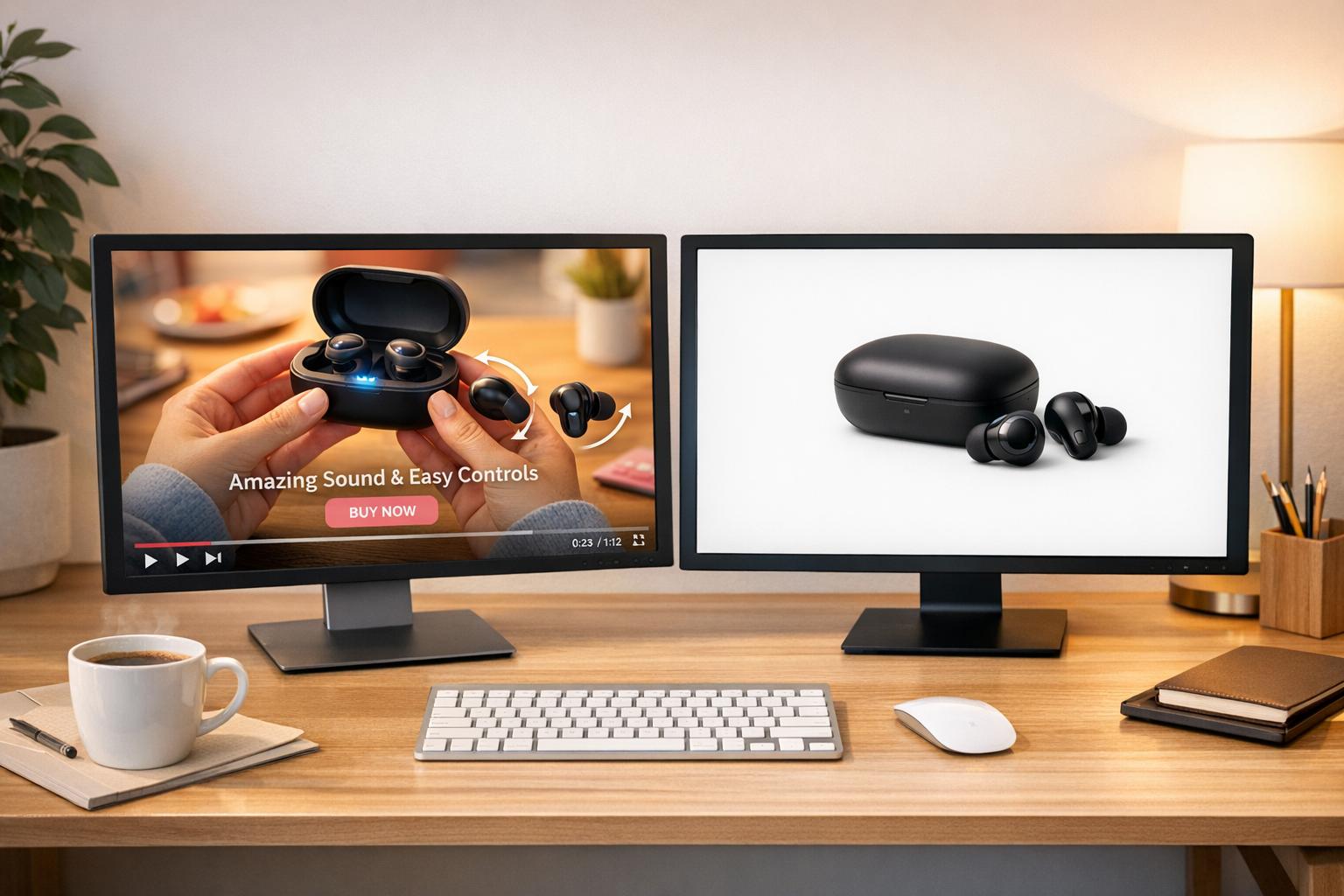
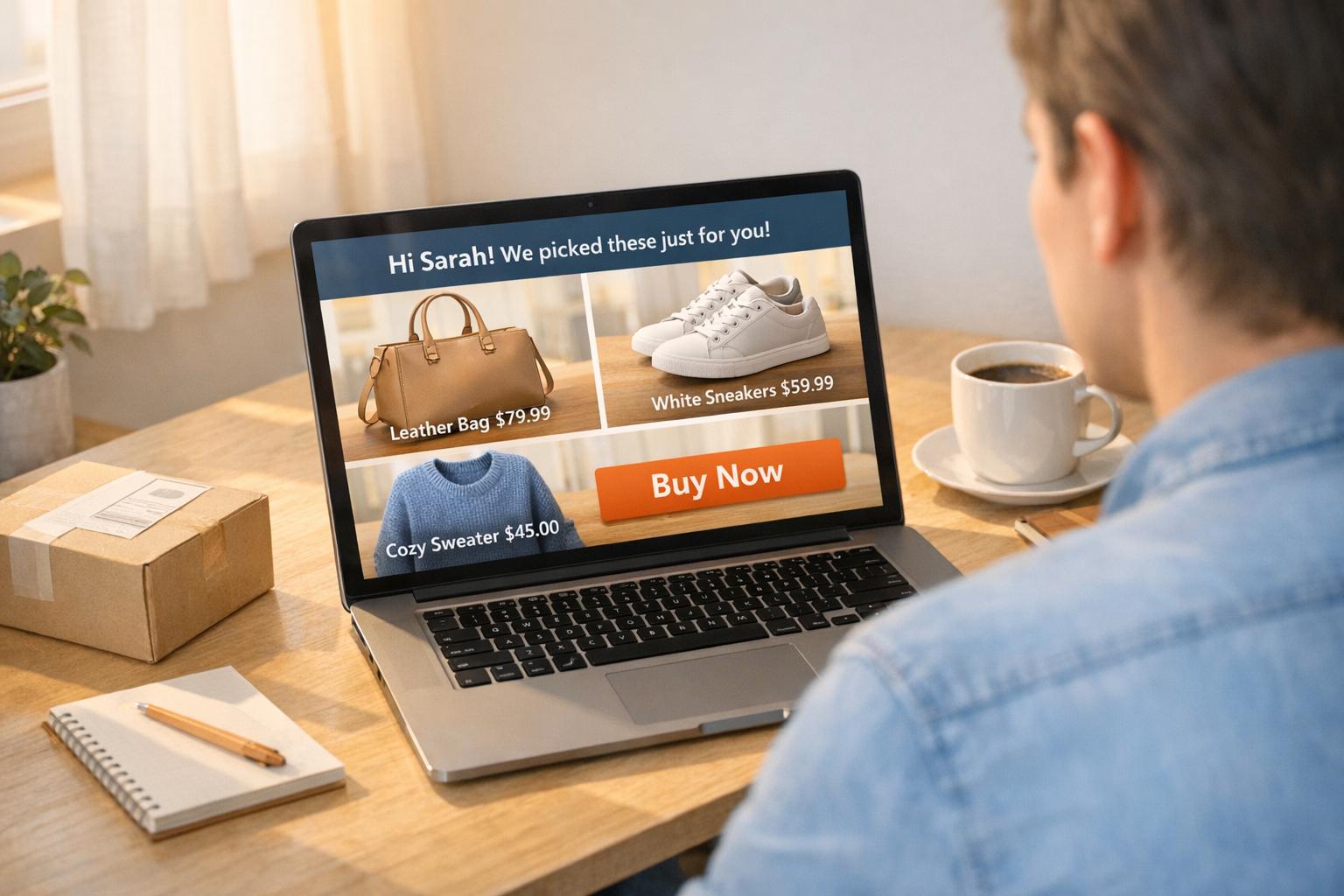
Want to increase sales on your Shopify store? Adding videos may be the game-changer you need. Studies show 89% of consumers say videos influence their purchase decisions. Static images often fail to engage shoppers, but videos build trust, showcase products in action, and keep visitors on your site longer.
Here’s where UWidget steps in. This Shopify app lets you embed YouTube videos - like product demos, testimonials, or Shorts - directly into your store. With features like shoppable tags, sticky players, and lazy-loading thumbnails, UWidget makes it easy to create engaging video experiences without slowing down your site.
Key Benefits of UWidget:
- Shoppable Videos: Tag products directly in videos so customers can buy without leaving the player.
- Mobile-Friendly: Supports YouTube Shorts and sticky videos for better engagement on mobile.
- Fast Loading: Uses lazy-loading to keep your site quick and responsive.
- Affordable: Starts at just $5.99/month with a 7-day free trial.
Ready to turn your videos into a sales tool? Install UWidget today and see how it can help boost conversions on your Shopify store.
Video Marketing for Business - Boost Conversions & Brand Impact with Online Videos
How UWidget Works: YouTube Video Integration
UWidget makes embedding YouTube videos on your site a breeze. Forget dealing with HTML or worrying about slowing down your pages - just paste a YouTube URL into the app, and UWidget takes care of the rest. It optimizes videos for speed and performance, so your site stays fast and user-friendly.
The app uses a thumbnail-first, lazy-loading approach, meaning it displays lightweight thumbnails before loading the full video player. This keeps your pages quick to load, even if you’ve got multiple videos. The full video only loads when it’s in view, saving bandwidth and ensuring your site remains responsive. As Wholesale Nursery Co, one of the app's users, shares:
"I am pleased with this app. It allows shorts and videos to be displayed and easily integrated on my e-commerce store".
This simple setup paves the way for powerful video features.
UWidget Features
UWidget offers several ways to display your videos. You can create galleries, carousels, or sticky players, and even make your videos shoppable by tagging products directly. The app also supports YouTube Shorts, making it mobile-friendly and perfect for quick, engaging content.
One standout feature is the shoppable video integration. With product tags, customers can click on items in your videos and purchase them without leaving the player. UWidget also includes subscribe cards and buttons, letting you grow your YouTube audience straight from your store. Plans start at just $5.99/month, and with a 5.0/5 rating on the Shopify App Store, it’s an affordable way to add professional-grade video functionality to your site.
Whether you’re showcasing products or engaging viewers, UWidget ensures your videos look great and perform flawlessly.
Customization and Mobile Optimization
UWidget is designed to work seamlessly across all devices - whether your customers are browsing on desktops, tablets, or smartphones. With mobile traffic making up nearly 75% of e-commerce visits, it’s crucial that your videos load quickly and look sharp on smaller screens.
For those who want more control, UWidget supports custom CSS, so you can fine-tune branding details. Even if coding isn’t your thing, the app’s settings allow you to adjust colors, spacing, and layouts to match your store’s style. The sticky video feature is especially handy on mobile, keeping product demos in view while customers scroll through descriptions or reviews. This ensures your videos stay front and center, boosting engagement throughout the shopping experience.
How UWidget Features Increase Conversions
UWidget's tools are designed to do more than just make your store look great - they actively engage visitors and guide them toward making a purchase. From video galleries to sticky videos, these features work together to boost conversions and keep customers coming back.
Keeping Visitors Engaged with Galleries and Carousels
Video galleries and carousels go beyond static images by showcasing products in action and sharing real customer experiences. These dynamic displays can lead to a 157.2% increase in time spent on site, offering shoppers a richer and more interactive experience. Plus, with shoppable tags, customers can add items to their cart directly from the videos without navigating away from the page.
By using a lightweight thumbnail-first approach, galleries load quickly, even when displaying multiple videos. This setup is perfect for showing how a product works, how it fits, or how it could look in a real-world setting. For example, a carousel can demonstrate how a jacket looks in motion or how a couch fits into a living room layout.
The interactive nature of carousels encourages customers to engage with the content instead of just scrolling past it. Positioning these widgets above the fold or within your product image carousel ensures they grab attention when shoppers are most likely to buy. To make the most impact, keep individual videos short - between 15 and 45 seconds - and focus on a single benefit in each clip. User-generated videos, in particular, can build trust more effectively than polished brand content.
Increasing Sales with Sticky Videos and Shorts
Sticky videos and YouTube Shorts are powerful tools for keeping your products visible as shoppers explore your site. Sticky videos stay on screen as visitors scroll, ensuring the product remains top of mind while they read descriptions or reviews. This format works especially well on mobile, where 89% of consumers say videos influence their purchasing decisions.
YouTube Shorts, with their vertical and bite-sized format, feel like personal recommendations, which helps build trust quickly. Take the example of ramen brand Immi. In April 2023, they integrated shoppable video widgets into their Shopify store, earning over $57,000 in sales from video shoppers at a 6% conversion rate. The added engagement also improved their SEO and overall conversion rates. Kevin Lee, Immi's co-founder, shared:
"Videowise has been really helpful in educating prospective customers about our product and has significantly increased the dwell time of traffic to our website".
To maximize the impact of sticky videos, place them on product pages where shoppers are already considering a purchase. Use concise product names, tag items early, and choose vertical or square formats for mobile-friendly browsing.
Building Your YouTube Audience with Playlists and Subscribe Cards
UWidget isn’t just about driving immediate sales - it also helps grow your YouTube audience for long-term success. By embedding subscribe buttons and playlists directly on your site, UWidget turns your store into a hub for building customer relationships.
Playlists encourage visitors to spend more time exploring your brand content, which can improve search rankings and keep shoppers engaged. You can organize videos into themed galleries, like "How-to Guides" or "Customer Reviews", to guide customers through their buying journey without them leaving your site. Each video in these playlists can also include shoppable tags, making it easy for viewers to add items to their cart as they watch.
Video content is a proven driver of results, with 93% of marketers reporting a positive return on investment and interactive elements like shoppable links boosting conversion rates by up to 70%. Additionally, social videos generate 1,200% more shares than text and image posts combined, helping attract even more traffic to your store.
For the best results, place playlists on high-intent pages, such as product descriptions or review sections, where they can address shopper questions right when they’re ready to buy. Don’t forget to enable subscribe buttons on your video widgets - this way, even if visitors don’t purchase immediately, you can reach them with future marketing efforts. Since 85% of mobile videos are watched without sound, make sure to include captions or text overlays for clarity. These strategies combine to create an engaging experience that not only drives conversions but also sets the stage for ongoing growth.
sbb-itb-d9e5b3a
Conversion Results from Video Widgets
Store Success Examples
Real-life examples from Shopify stores highlight the effectiveness of video widgets in boosting conversions. In fact, 89% of consumers say watching a video convinced them to make a purchase.
One standout case is Wholesale Nursery Co, which adopted UWidget to enhance their site with video content. Here's what they had to say:
"I am pleased with this app. It allows shorts and videos to be displayed and easily integrated on my e-commerce store."
The numbers back up these experiences. While the average e-commerce conversion rate hovers around 2.5%–3%, sites using UWidget's efficient thumbnail-first, lazy-loading approach report conversion rates as high as 3.05%. In fact, faster-loading pages outperform slower ones by a factor of 2.5 times . Add in video testimonials and product demos, and the hesitation to purchase drops even further.
Using Video Testimonials and Product Demos
Video content doesn't just grab attention - it addresses customer concerns in a way that text or images can't match. Testimonials, for instance, are far more convincing in video form than in text because they feel more authentic and are harder to fake. This builds trust quickly, even for skeptical buyers.
The impact of video reviews and testimonials is clear. Stores that integrate them see conversion rates rise anywhere from 3% to 37%. Similarly, product demos allow customers to see items in action, which is especially helpful for products where fit, size, or functionality plays a crucial role. By tagging products directly within the videos, you can create an effortless shopping experience, enabling customers to add items to their cart without breaking their momentum. This seamless process keeps shoppers engaged and more likely to complete their purchase.
How to Set Up UWidget for Best Results
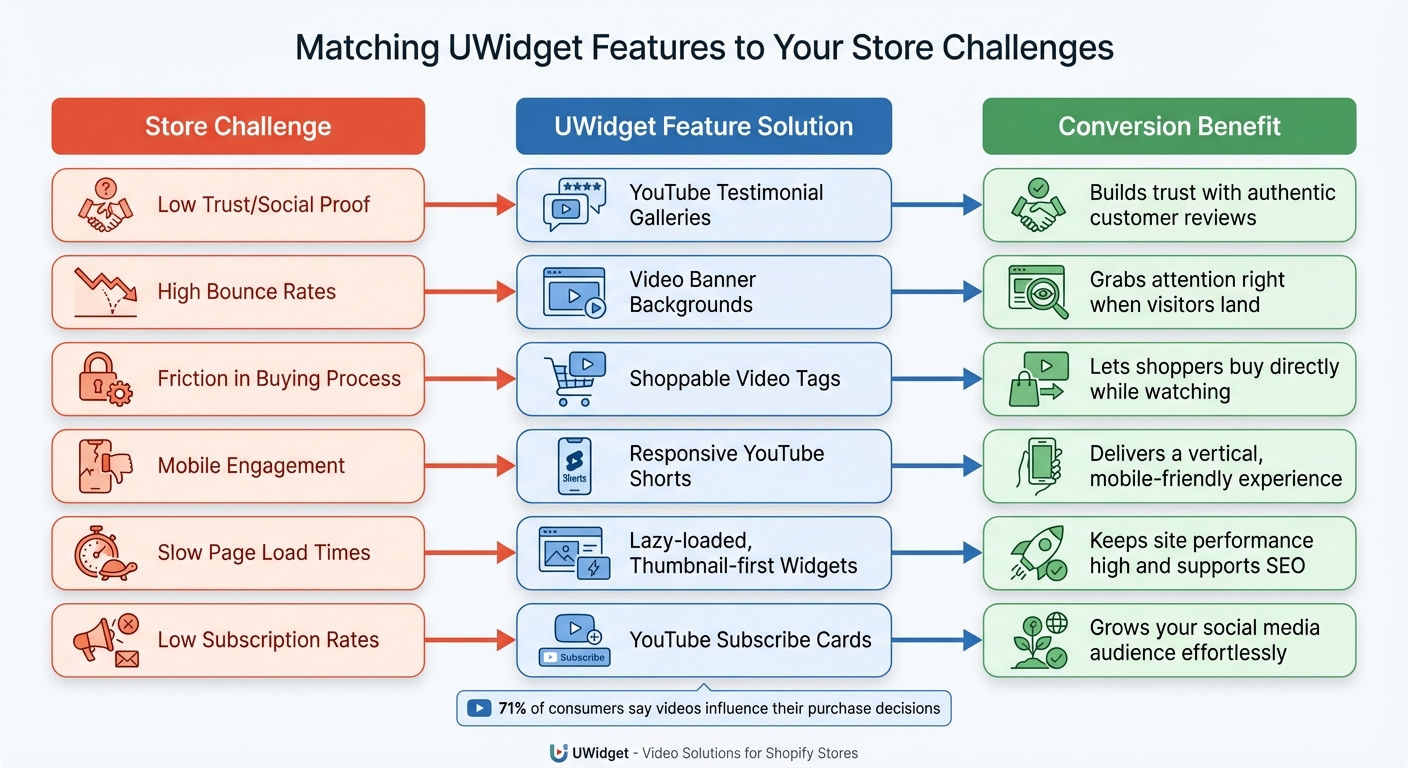
UWidget Features and Solutions for Common Shopify Store Challenges
Installation Steps
To get started, head to the Shopify App Store and search for UWidget. Click "Add app", enter your store URL, and follow the prompts to install it. Once installed, simply paste any YouTube URL - whether it's a video, playlist, channel, or Shorts - into the app.
Next, pick a display format that fits your store's needs. Options include galleries, carousels, grids, sticky videos, or banners. Each layout serves a specific purpose, so take advantage of the 7-day free trial to experiment. For instance, sticky videos or shoppable carousels work well on product pages, while banners can make an immediate impression on your homepage. To make your videos shoppable, tag products directly within the video, allowing customers to add items to their cart without leaving the video player.
The app automatically adjusts to different devices, but it’s always a good idea to preview your setup on mobile. Make sure essential elements, like the "Add to Cart" button, are clearly visible. If needed, use custom CSS to tweak the widget’s appearance further. Plus, the widget’s lightweight design and lazy-loading thumbnails help keep your site fast and SEO-friendly.
With UWidget properly installed and configured, you can use video content to drive higher conversions. Now, it’s time to align the app’s features with your store’s unique challenges.
Matching UWidget Features to Store Problems
Different challenges in your store require specific video strategies. Here’s how UWidget features can address common roadblocks:
| Store Challenge | UWidget Feature Solution | Conversion Benefit |
|---|---|---|
| Low Trust/Social Proof | YouTube Testimonial Galleries | Builds trust with authentic customer reviews |
| High Bounce Rates | Video Banner Backgrounds | Grabs attention right when visitors land |
| Friction in Buying Process | Shoppable Video Tags | Lets shoppers buy directly while watching |
| Mobile Engagement | Responsive YouTube Shorts | Delivers a vertical, mobile-friendly experience |
| Slow Page Load Times | Lazy-loaded, Thumbnail-first Widgets | Keeps site performance high and supports SEO |
| Low Subscription Rates | YouTube Subscribe Cards | Grows your social media audience effortlessly |
For example, if your homepage has high bounce rates, a video banner background can capture visitors’ attention instantly and showcase your brand’s story. On product pages, embedding how-to videos or product demos in a responsive 16:9 format can provide the detailed information shoppers need to make a decision. If your audience is primarily mobile, YouTube Shorts and sticky video players are ideal - vertical videos, for instance, get 40% more views than landscape formats on mobile devices.
And don’t forget this: 71% of consumers say videos influence their purchase decisions. Choosing the right video format for each page can make all the difference in converting browsers into buyers.
Conclusion
Main Points
Low conversion rates don’t have to be a constant struggle. UWidget offers a straightforward way to turn your YouTube videos into powerful tools for driving sales. By adding shoppable product tags, customers can seamlessly watch and purchase directly within the video, making the buying process smoother. Features like sticky videos, carousels, and Shorts keep visitors engaged longer, while video testimonials and product demos help build trust - an essential factor in turning casual browsers into paying customers.
Here’s a stat to consider: 89% of consumers say watching a video influenced their decision to make a purchase. Plus, landing pages with videos can boost conversions by as much as 80%. UWidget makes these results achievable while ensuring your page speed stays fast, thanks to lazy loading and thumbnail-first optimization. Whether you’re dealing with high bounce rates, low trust, or difficulties engaging mobile users, UWidget offers targeted solutions to tackle these challenges head-on.
And with a 7-day free trial, you can explore every feature risk-free - from shoppable carousels to YouTube subscribe cards. It’s a no-brainer to give it a try.
Start Using UWidget
UWidget is designed to be easy to implement and effective from the start. Ready to boost your conversions? Visit the UWidget app listing, start your free trial, and install the app. Simply paste your YouTube URLs and select the display format that works best for your store. Within minutes, you’ll transform your video content into a tool that drives sales.
Don’t wait - start using UWidget today and turn your YouTube videos into your store’s most effective sales tool.
FAQs
How does UWidget make YouTube videos load faster on my Shopify store?
UWidget improves video loading on your Shopify store by utilizing lazy loading. With this feature, YouTube videos are only loaded right before they come into view, cutting down the initial page load time and boosting overall site performance.
This smarter approach to video loading ensures a faster, more seamless shopping experience for your customers, keeping your store efficient and engaging.
What are shoppable video tags, and how do they help boost conversions?
Shoppable video tags are interactive features embedded in videos that let viewers shop directly while watching. With a simple click on these tags, users can check out the products featured in the video, view details, and even proceed to purchase - all without leaving the video. This makes shopping both convenient and engaging.
These tags typically appear as clickable icons or links placed over the products shown in the video. Viewers can tap or click to explore product details, add items to their cart, or complete a purchase right then and there. These tags are widely used in marketing campaigns, live streams, and pre-recorded videos, making it easier for businesses to turn casual viewers into paying customers and boost conversion rates effectively.
How does UWidget improve mobile engagement for my store?
UWidget makes it simple to improve mobile engagement by letting you add customizable YouTube videos to your store. Whether it’s a gallery, a carousel, or even a sticky video, these features are crafted to catch your audience’s eye and spark interaction - no coding knowledge required.
With engaging video content seamlessly integrated, UWidget transforms your store into a more dynamic and interactive space. This not only keeps visitors interested but also helps drive higher conversion rates on mobile devices.