A/B testing is a simple way to improve video performance on your Shopify store. By creating two versions of a video, changing one element, and splitting your audience, you can identify what works best for driving sales. This data-driven approach eliminates guesswork and helps you optimize key elements like thumbnails, video placement, and calls-to-action (CTAs).
Key takeaways:
- Test one variable at a time (e.g., thumbnail, video length, or CTA timing).
- Run tests for 2–4 weeks to gather enough data for reliable results.
- Track metrics like play rate, conversion rate, and revenue per visitor to measure success.
For example, brands like Ariat and Zappos saw conversion increases of 160% and up to 30% respectively after adding videos. Tools like UWidget can help Shopify users easily test and scale video marketing strategies.
A/B testing helps you maximize sales by focusing on what resonates most with your audience. Start small, test smart, and let the data guide your decisions.
Everything You Need to Know About Ecommerce A/B Testing
sbb-itb-d9e5b3a
What Is A/B Testing for Video Campaigns?
A/B testing for video campaigns involves showing two different versions of a video to equal portions of your audience - usually split 50/50 - to see which one performs better. Whether you're aiming for more engagement, longer watch times, or increased sales, this method helps pinpoint the version that works best. Typically, you start with a "Control" (Version A) and create a "Variant" (Version B), tweaking just one element - like the thumbnail, opening hook, or call-to-action - to figure out what drives better results.
Unlike traditional A/B testing, which often revolves around static elements like email subject lines or page headlines, video A/B testing deals with dynamic and sensory factors. Think about things like pacing, background music, or the timing of on-screen graphics. Success is measured using metrics such as play rate, average watch time, and conversions.
How A/B Testing Works in Video Marketing
To get accurate results, you need to isolate and test one variable at a time while running both versions simultaneously. Shopify users often experiment with elements like thumbnails, video length, titles, player colors, CTA placement, and even background music.
"A/B testing is an excellent practice to have in your video marketing strategy. It can help you quickly figure out what might be working and what isn't with your site videos." – Austin Canary, Content Lead, Wistia
Tests should run for two to four weeks to account for variations in traffic and buyer behavior. Cutting a test short can lead to misleading results, so it's crucial to gather enough impressions or interactions - several hundred per version - before determining a winner. Testing only one variable at a time is key; for instance, if you change both the title and the music, you won’t know which adjustment influenced the outcome.
This method provides clear insights that can directly improve your conversion strategies.
Why Video A/B Testing Matters for Shopify Stores
For Shopify merchants, video A/B testing does more than reveal what engages viewers - it can lead to better sales outcomes. By analyzing the data, you can increase revenue from your existing traffic without spending more on ads. For example, testing can help determine the most effective placement and format for videos on your product pages, which can significantly influence conversion rates.
The insights from testing go beyond individual videos. By identifying which thumbnails attract clicks, which hooks keep viewers watching, and which CTAs lead to purchases, you can create compelling video content right from the start. Even analyzing videos that don’t perform well can be valuable, helping you avoid similar mistakes in future campaigns.
Shopify store owners can streamline their testing process and boost video engagement using tools like Fractal Apps: Exclusive Shopify Apps (https://fractalapps.dev).
Key Video Elements to A/B Test for Shopify Stores
Videos can be a game-changer for conversions, but not all video elements are created equal. For instance, a poorly chosen thumbnail can sink your play rates. Beyond the initial click, where you position your video and how you encourage viewers to act can make or break its impact. Testing these elements individually can help you find the perfect combination to boost conversions on your Shopify store.
Thumbnails and Hero Images
Thumbnails are your video’s first impression. If they don’t grab attention, viewers won’t hit play, and all the effort put into creating the video might go unnoticed. Research shows that animated thumbnails often outperform static ones in capturing attention. A test by Wistia found that animated thumbnails led to higher play rates and better engagement.
Another factor to consider is the type of imagery you use. Should you go with lifestyle shots showing your product in action, or focus on close-ups highlighting its features? The right choice often depends on the product itself and what resonates with your audience.
Once your thumbnails are optimized, the next step is to figure out where and how to place your videos for maximum impact.
Video Placement and Formats
Where you place your video on the page can be just as crucial as the video content itself. To ensure visibility, position your video in "hot" areas - above the fold, next to product images, or near your call-to-action (CTA) button. Start with a basic "presence test" to compare a page without a video to one that includes it. This will give you a baseline to measure impact.
Here’s a real-world example: In November 2022, Mad Rabbit tested their Tattoo Balm product page using Viddy's Floating Player. They compared a standard page to one featuring an interactive, shoppable vertical video. The result? A 76% increase in average session duration and an 8% boost in purchase conversions.
Modern video formats like short-form vertical clips, shoppable videos, and floating players that stay visible as users scroll are worth experimenting with. Video length also matters - sometimes a quick 30-second demo outperforms a detailed 3-minute walkthrough, especially for simpler products.
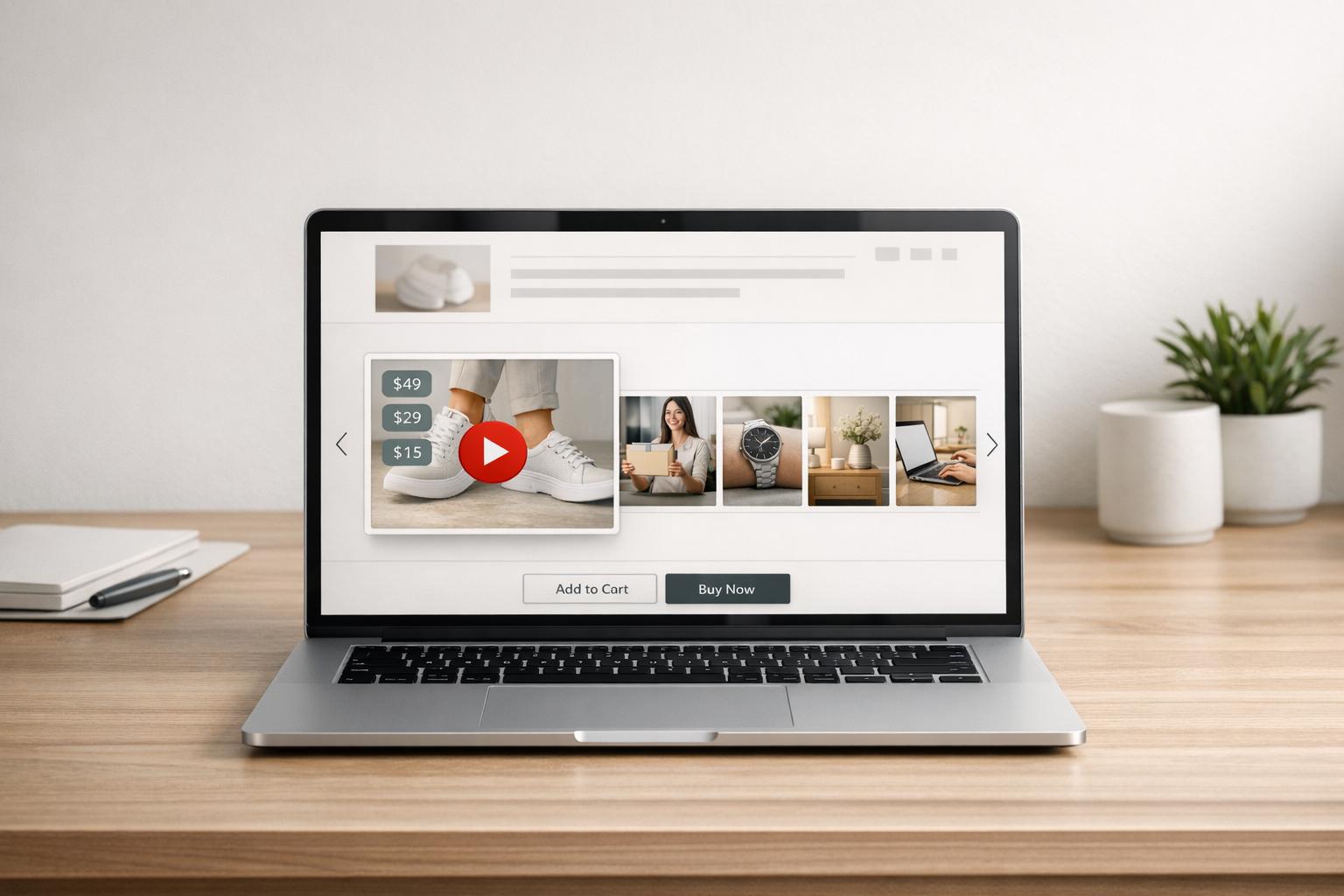
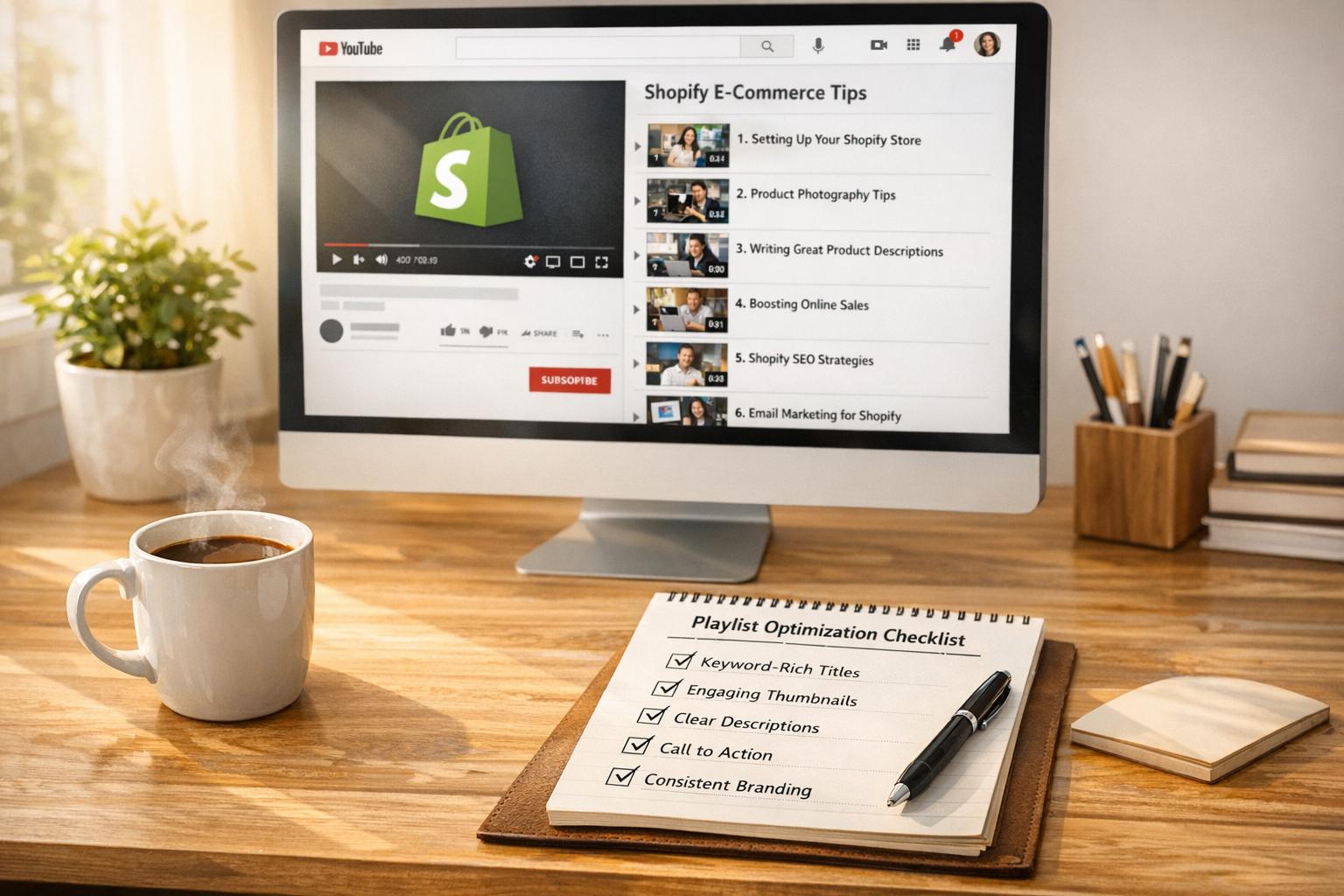
If you’re using tools like UWidget on your Shopify store, try testing different YouTube video placements, such as galleries, carousels, or sticky formats. These variations can help you figure out what drives the most engagement.
Finally, a well-crafted CTA can turn viewers into buyers.
Calls-to-Action (CTAs) in Videos
A strong CTA can transform video views into sales. But timing is everything - should you prompt viewers at the beginning, middle, or end of the video? Testing different timings can reveal when your audience is most likely to act.
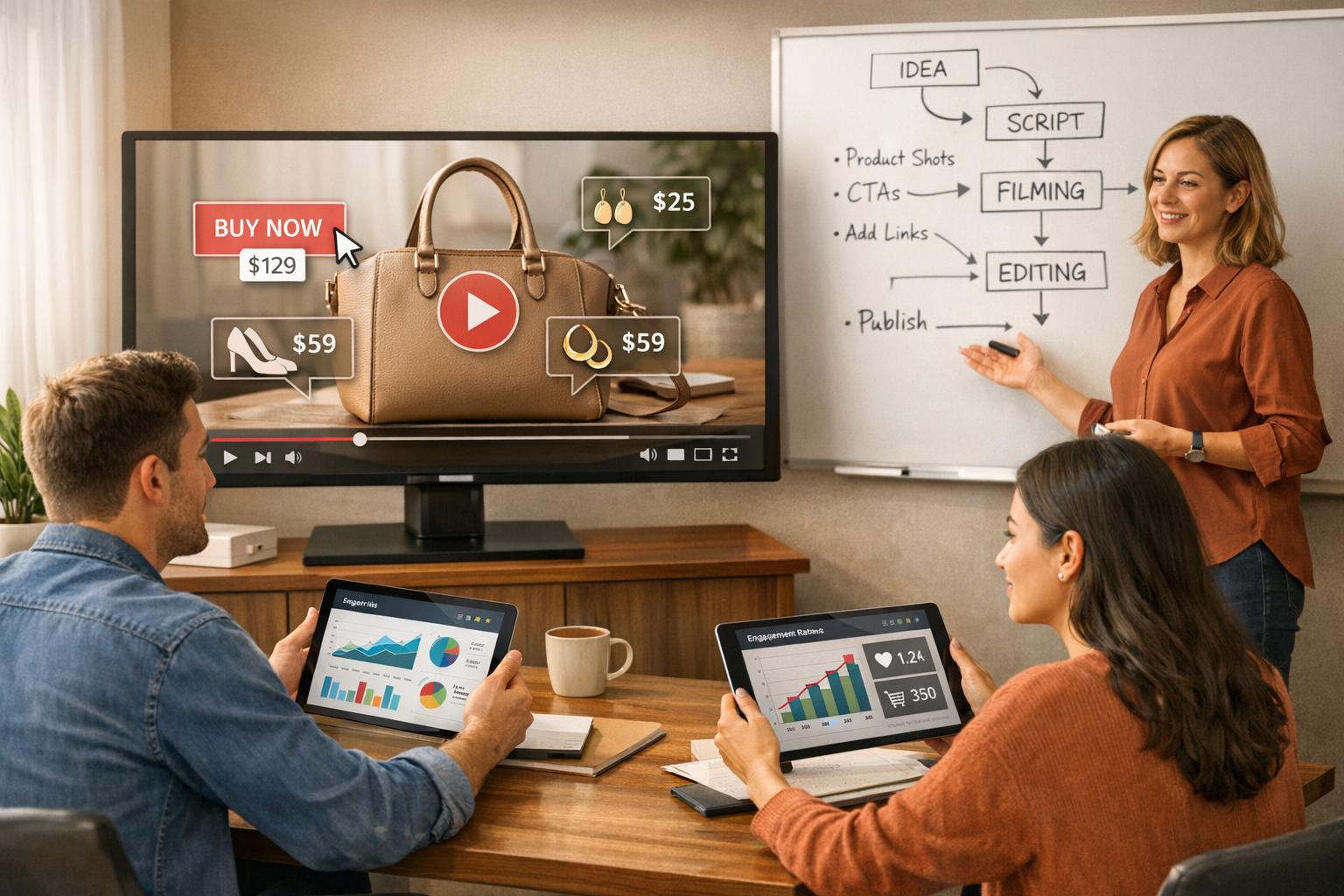
Shoppable CTAs, like "Add to Cart" buttons embedded directly in the video, can make purchasing seamless by allowing viewers to buy without leaving the video. You can also experiment with the tone of your CTAs. For instance, compare direct commands like "Buy Now" with softer phrases like "Learn More".
Visual design plays a role too. Bold, high-contrast buttons might grab more attention than subtle text links. Even the frequency of your CTAs - whether a single prompt at the end or multiple prompts throughout the video - can impact results.
"Since producing many versions of the video can be expensive, most of the focus should go on getting more people to play the video." – Peep Laja, Founder, CXL
To track how effective each CTA variant is, use unique discount codes. Let your tests run for 15 to 30 days to collect enough data and account for traffic fluctuations. With this approach, you can pinpoint what drives the most conversions and refine your strategy accordingly.
Step-by-Step Guide to Running Video A/B Tests
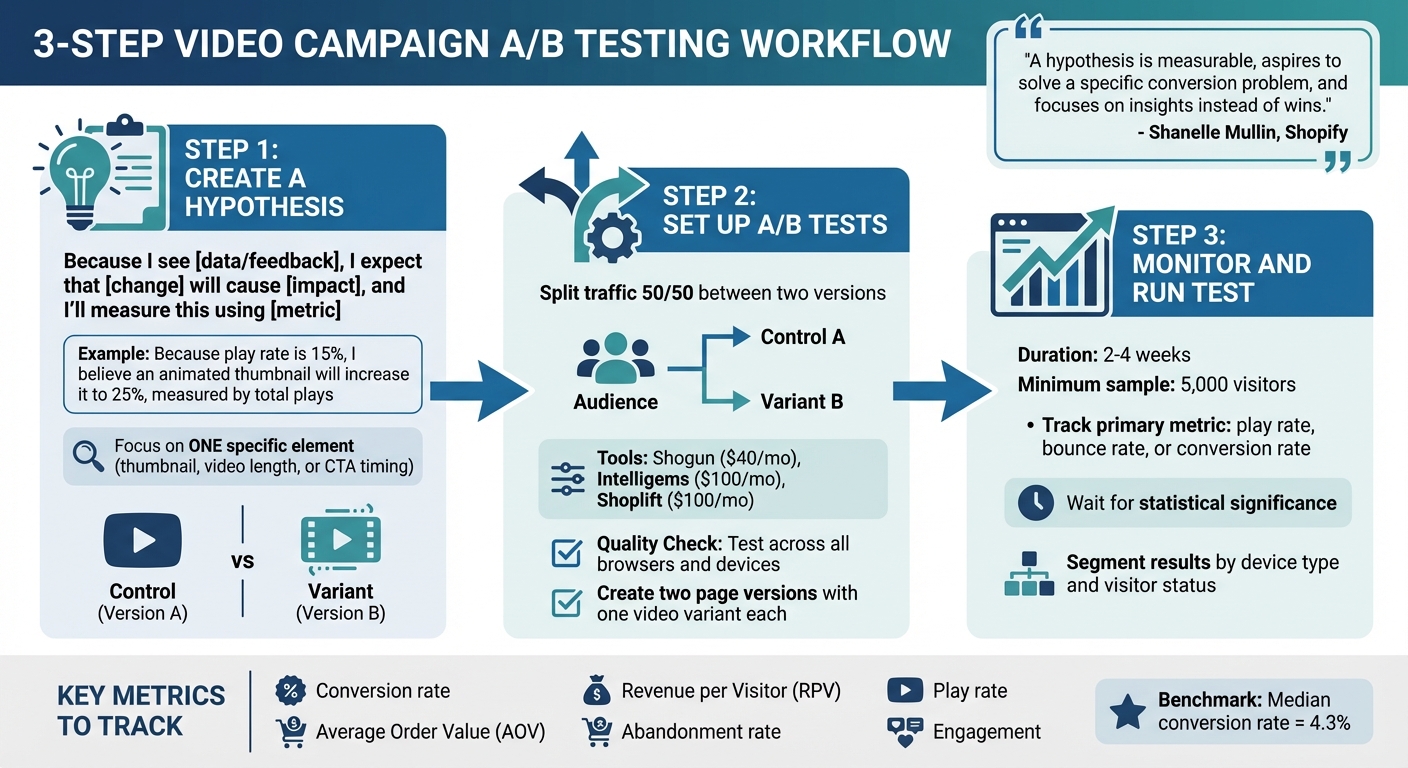
3-Step A/B Testing Process for Video Campaigns on Shopify
Running a video A/B test may sound daunting, but it’s actually pretty straightforward if you follow a structured plan. The goal is to gather reliable data that leads to smart, actionable decisions. Here’s how you can set up effective tests for your Shopify store.
Step 1: Create a Hypothesis
Before jumping into testing, start with a clear and testable hypothesis. A good framework to use is:
"Because I see [data/feedback], I expect that [change] will cause [impact], and I'll measure this using [metric]".
For instance, instead of vaguely deciding to test "different thumbnails", you could say: "Because the play rate is currently 15%, I believe an animated thumbnail will increase it to 25%, measured by total plays."
"A hypothesis is measurable, aspires to solve a specific conversion problem, and focuses on insights instead of wins." – Shanelle Mullin, Shopify
Focus on one specific element to test - like thumbnail design, video length, or the timing of your call-to-action (CTA). Then, pick a primary metric that aligns with your objective. For example, if you’re testing thumbnails, track the play rate. If you’re testing CTAs, monitor the conversion rate. Define your control (Version A - your current video) and your variant (Version B - the new version with a single change). For example: "Switching the hero video from a 3-minute product demo to a 30-second lifestyle clip will reduce the bounce rate from 70% to 50%". This gives you both a baseline and a measurable goal, directly supporting your efforts to improve video performance on Shopify.
Once your hypothesis is ready, you can move on to splitting traffic for your test.
Step 2: Set Up A/B Tests Using Shopify Tools
With your hypothesis in hand, it’s time to split traffic between your two video versions. If your Shopify store uses YouTube videos, tools like UWidget make it easy to test different placements and formats, such as galleries versus sticky players, while tracking engagement.
For broader page-level tests, tools like Shogun ($40/month), Intelligems ($100/month), or Shoplift ($100/month) integrate seamlessly with Shopify. These tools allow you to split traffic and track key metrics. The process is simple: create two versions of your page (each featuring one of the video variants) and randomly assign visitors to either version.
Before launching, make sure to conduct a quality check. Test your video widgets and tracking scripts across all browsers and devices to ensure everything is working as expected.
Step 3: Monitor and Run the Test
Once the test is live, monitoring its performance is crucial. Run the test for 2–4 weeks, ensuring you reach the sample size needed for statistically significant results. Avoid checking the results midway, and don’t stop the test until your tool confirms statistical significance. For dependable insights, aim for at least 5,000 visitors to the page being tested. Also, don’t let the test run beyond four weeks, as extended durations can lead to sample contamination (e.g., visitors deleting cookies or switching devices).
Throughout the test, keep an eye on your primary metric - whether it’s play rate, bounce rate, or conversion rate. Once the test ends, dig deeper into the data. Segment results by device type and visitor status (new versus returning). For example, a video that underperforms overall might still perform exceptionally well with mobile users or first-time visitors. These insights can help you fine-tune your strategy and scale up successful video elements.
Analyze Results and Scale the Winning Video
Key Metrics to Track
Once your testing phase wraps up, it’s time to zero in on the numbers that truly impact your revenue. Key metrics to monitor include conversion rate, Average Order Value (AOV), Revenue per Visitor (RPV), abandonment rate, play rate, and engagement. These metrics paint a clear picture of how your video is performing.
- Conversion rate tells you what percentage of viewers completed a purchase after watching your video.
- AOV highlights which video encouraged higher spending per transaction, while RPV combines conversion rate and AOV to show the overall financial impact.
"Revenue per user is particularly useful for testing different pricing strategies or upsell offers." – Alex Birkett, Co-founder of Omniscient Digital
Tracking the abandonment rate is also crucial - it reveals how often users leave the checkout process after engaging with your video. As a benchmark, the median conversion rate for landing pages across industries is 4.3%.
By analyzing these metrics, you can confidently move to the next step: scaling your winning video.
Scaling Winning Videos
Once you’ve identified the video that performs best, it’s time to scale its success across your store. Use the insights from your metrics to guide which elements - like thumbnails, video length, or calls-to-action (CTAs) - should be implemented on high-traffic pages, such as your homepage, collection pages, or product detail pages. Strategic repositioning of video assets can drive noticeable improvements in conversions.
For Shopify users integrating YouTube content, tools like UWidget simplify scaling. This app allows you to embed winning videos as shoppable galleries, carousels, or sticky players across multiple pages. Customers can watch and purchase without leaving the page. Starting at $5.99/month (with a 7-day free trial), UWidget offers a cost-effective way to test placements. It’s well-rated (5.0/5 stars) for its responsive design and minimal impact on page speed.
Using a Comparison Table to Evaluate Tests
A structured comparison table is invaluable for keeping your testing process organized. It helps you document results, avoid repeating failed experiments, and refine your strategies. Include columns for:
- Hypothesis
- Variant A Details
- Variant B Details
- Key Metric Results
- Winner
"Performance metrics alone don't determine a winner. So choose the winning video that performed the best on the metric most important to you." – Wistia
Archive everything - test results, screenshots, and hypotheses - to create a "CRO bible." This resource not only prevents redundant testing but also serves as a handy guide for onboarding new team members with actionable, data-backed insights.
Conclusion
A/B testing takes the guesswork out of video campaigns, turning them into a precise, data-driven tool for boosting conversions on your Shopify store. By systematically experimenting with elements like thumbnails, CTAs, and video placement, you replace assumptions with actionable insights. This creates a continuous cycle of refinement, where each success informs your next move.
Considering that 70% of online shoppers abandon their carts and the average person spends over 17 hours a week watching videos online, fine-tuning your video content isn't just a good idea - it’s essential. Even small tweaks, like changing a thumbnail or adjusting a CTA color, can lead to noticeable improvements in conversion rates.
With tools like UWidget, scaling your most effective video strategies across your store becomes effortless. Its thumbnail-first, lazy-loading design ensures fast page speeds during testing, while built-in analytics provide clear insights into which variations perform best.
FAQs
How can A/B testing help increase video conversions on Shopify stores?
A/B testing gives Shopify store owners a way to experiment with different versions of their video content - whether it’s tweaking thumbnails, adjusting video length, refining messaging, changing placement, or testing calls-to-action. The goal? To figure out what clicks with your audience and delivers better engagement and conversions.
Let’s say you swap out a thumbnail or move the call-to-action to a different spot in the video. These small changes can lead to noticeable boosts in click-through rates or even sales. By analyzing how real customers interact with your videos, you can make smarter, data-backed decisions. This takes the guesswork out of your strategy and ensures your video campaigns truly connect with your audience, delivering results you can measure.
What video elements should I focus on testing to improve conversions?
To get the best results from your videos and boost conversions, pay close attention to a few critical factors. Start by experimenting with thumbnail images, video length, and the placement and timing of your call-to-action (CTA). These small tweaks can have a big impact on how your audience interacts with your content.
You can also test different video formats - for instance, try short vertical videos versus traditional horizontal ones - to figure out which style clicks with your viewers. Adding captions or subtitles is another smart move. Not only does this make your videos easier to watch for a broader audience, but it also adds an extra layer of engagement, which could lead to better conversion rates.
By refining these elements, you’ll gain insights into what grabs attention and keeps your audience engaged, helping you shape video campaigns that align with their preferences.
How long should I run an A/B test to improve video conversions?
For the most reliable results, it's important to run your A/B test for at least two full business cycles - typically about 2 to 4 weeks. This timeframe allows you to collect enough data to reach statistical significance, ensuring you can confidently evaluate how your videos are affecting performance and conversions.
That said, the exact duration can depend on your store's traffic. Stores with higher traffic might reach meaningful results faster, while those with lower traffic may need more time to gather sufficient data.