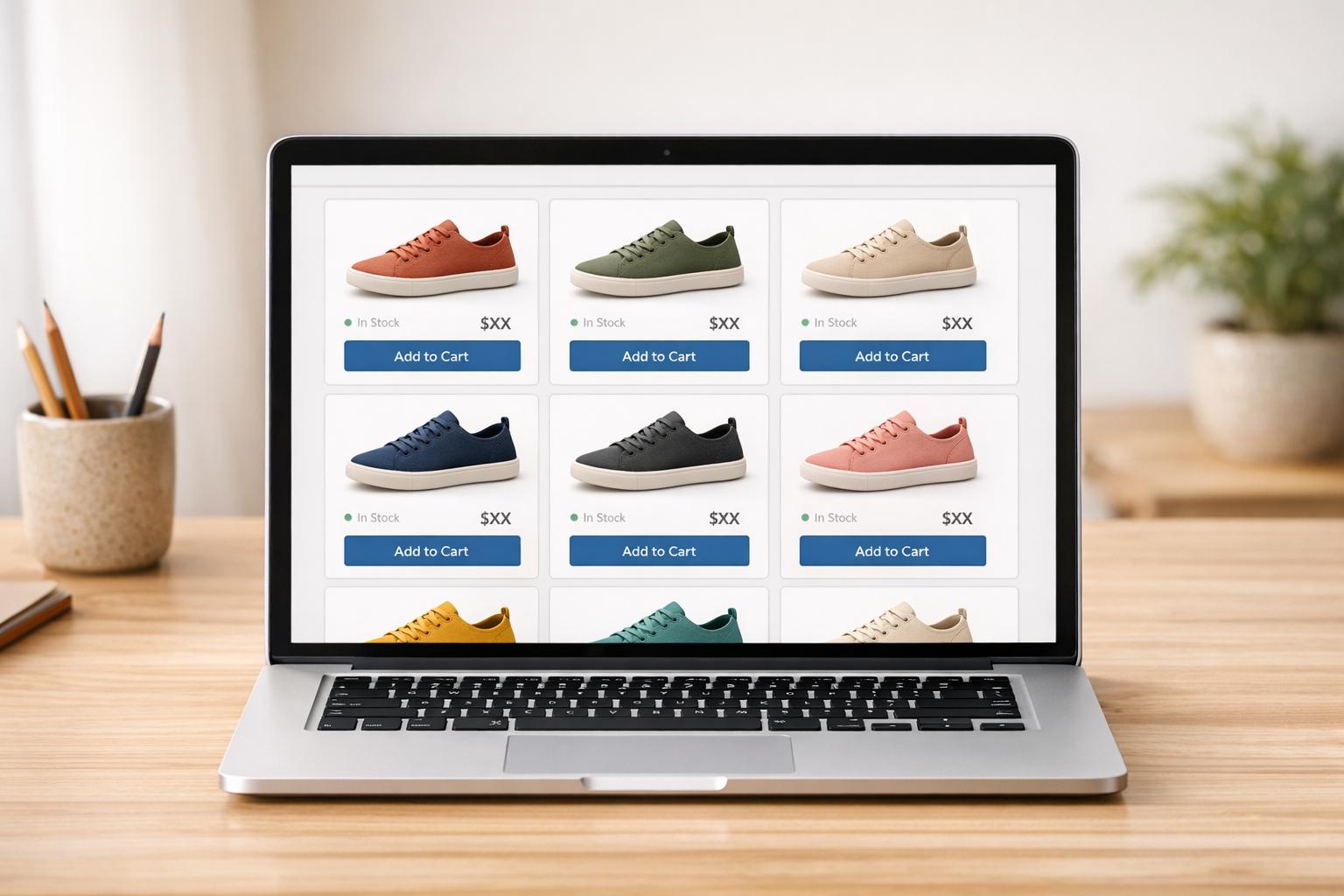
Shoppable videos let customers buy products directly from videos using clickable tags. They connect product discovery to checkout seamlessly, boosting sales. With 91% of businesses using video marketing in 2023 and 82% of consumers influenced by videos to make purchases, shoppable videos take this trend further by simplifying the buying process.
Tracking ROI for shoppable videos is essential to measure their impact on sales. By analyzing metrics like click-through rates, conversion rates, and revenue, businesses can identify what works and optimize their video strategies. Apps like UWidget help Shopify users embed shoppable YouTube videos and track performance, starting at $5.99/month.
Here’s what you can do:
- Use shoppable videos on product pages, homepages, and blogs to engage shoppers.
- Focus on formats like tutorials, product demos, and user-generated content.
- Track key metrics like direct sales, influenced sales, and average order value.
- Optimize videos by testing CTAs, placement, and length based on ROI data.
Shoppable videos are transforming e-commerce by bridging the gap between viewing and buying, helping brands achieve higher conversions and revenue growth.
Increase ROI with Shoppable Videos | #221 Dario Galbiati Alborghetti
sbb-itb-d9e5b3a
How to Create Shoppable Videos for Shopify

Shoppable videos are a powerful tool to increase engagement and conversions on your Shopify store. Let’s break down where to use them, which formats work best, and how to set them up.
Where to Use Shoppable Videos
Shoppable videos can enhance various parts of your store:
- Product pages: These are perfect for showcasing product demos, tutorials, or user-generated content. They help customers see how products perform in real life. A great example is SOSU Cosmetics, which earned over $750,000 in revenue and boosted its Average Order Value by 8% by incorporating shoppable videos and user-generated content. Their conversion rate hit an impressive 9.9%.
- Homepage: Use video banners or carousels to tell your brand story or highlight seasonal collections. This approach creates an emotional connection with first-time visitors.
- Collection pages: Video grids can display multiple products at once, helping customers explore your offerings visually.
- Blog posts: Explainer videos or FAQ-style content can educate shoppers and provide added value.
Don’t forget social media integrations. Embedding TikTok, Instagram Reels, or YouTube Shorts directly into your Shopify store provides a seamless transition from discovery to purchase. With 70% of Instagram’s two billion monthly users using Instagram Shopping features, this is a great way to drive sales.
Best Video Formats for Conversions
The type of video you use can make a big difference in how well it converts. Here are some formats to consider:
- Product demos: These are ideal for introducing new customers to your products, especially if they’re complex. Highlight their real-world performance and features.
- Tutorials: These videos provide step-by-step instructions, which can reassure hesitant buyers and build trust.
- User-generated content and testimonials: These feel authentic and relatable, making them effective for convincing skeptical shoppers. For instance, Headphonezone.in generated $570,000 in sales with a 20.2% conversion rate by leveraging automated user-generated videos.
- Live shopping events: These create a sense of urgency, especially during flash sales. They also allow for real-time Q&A, which can deepen customer engagement.
Keep your videos short - between 90 seconds and 2 minutes is ideal. Hook viewers within the first 3 seconds to grab their attention. Since 90% of social media users browse on mute, always include captions.
Technical Setup Steps
Here’s how to get started with shoppable videos on Shopify:
- Install a shoppable video app: Apps like UWidget are great for YouTube-based content. Check the app listing for pricing details.
- Import or upload your videos: You can bring in content from platforms like TikTok, Instagram, or YouTube, or upload videos directly. Tag specific moments in your videos with Shopify products. The app syncs with your store’s inventory in real time.
- Tag strategically: Place product tags within the first 15 seconds of your video, as this is when viewer attention is highest.
- Customize your video widget: Choose from formats like grids, carousels, or banners. UWidget offers lightweight widgets that won’t slow down your site.
- Add calls-to-action: Use direct prompts like “Shop Now” or “Add to Cart” right after showcasing a product feature to encourage immediate purchases.
How to Track and Measure ROI for Shoppable Videos

Shoppable Video Metrics Tracking Guide for Shopify
Measuring the performance of shoppable videos boils down to connecting viewer engagement to sales and pinpointing what drives profit. By focusing on the right metrics, you can uncover what’s working and decide where to invest your efforts.
Metrics to Track
Content metrics help you understand how viewers interact with your videos. Key indicators include:
- View Count: Tracks how many people watched your video.
- View-Through Rate (VTR): Shows the percentage of viewers who watched the entire video.
- Engagement Rate: Captures actions like likes, shares, comments, and product clicks.
- Time Spent on Video: Measures how long viewers stay engaged. Interactive videos often see click-through rates up to 10 times higher than passive ones.
Commerce metrics focus on shopping behavior:
- Click-Through Rate (CTR): Indicates how often viewers click on product tags to learn more.
- Add-to-Cart Rate: Tracks how many viewers move products into their carts.
- Conversion Rate: Measures completed purchases.
Financial metrics reveal the profitability of your efforts:
- Total Revenue: Break this down into Direct Sales (purchases made directly from the video player) and Influenced Sales (purchases made later in the same session after watching at least 5 seconds of the video).
- Average Order Value (AOV): Helps confirm whether video shoppers tend to spend more.
- Return on Ad Spend (ROAS): Evaluates how efficiently your campaign generates revenue.
- Revenue Per Click (RPC): Shows the value of each interaction. Businesses leveraging advanced analytics often see performance improvements of 20–30%.
"Direct sales revenue is the holy grail of on-site video marketing. A higher number indicates that your videos are compelling enough for visitors to take immediate action." - Liana Turbureanu, Videowise
Connecting Video Data to Shopify Analytics
Once you’ve defined your metrics, integrate them into Shopify analytics for a complete view of performance.
Leverage UTM parameters and tracking pixels to gather detailed data. Use unique tracking URLs for each video, such as utm_source=youtube&utm_medium=video&utm_campaign=product_demo, to identify which content drives traffic and sales. Tools like Google Analytics and Meta Pixels can also track specific actions, such as "Product Tag Click" or "Video Completion".
Segment your data to identify trends. Break down performance by video type (e.g., tutorials vs. testimonials), placement (homepage vs. product page), and device (desktop vs. mobile). For example, Headphonezone.in analyzed video performance across formats and generated $570,000 in revenue with a 20.2% conversion rate by optimizing based on these insights. This level of analysis allows for precise adjustments that improve ROI.
Metrics Comparison Table
| Metric Category | Key Metrics | Purpose | Where to Find Them |
|---|---|---|---|
| Content | Views, VTR, Watch Time, Engagement Rate | Assess reach and video quality | Video Platform (YouTube, UWidget) |
| Commerce | CTR, Add-to-Cart, Conversion Rate | Gauge shopping interest and effectiveness | Shopify Analytics / Video App |
| Financial | Revenue (Direct/Influenced), AOV, ROAS, RPC | Evaluate profitability | Shopify Financial Reports |
| Behavioral | Scroll into View, Dwell Time, Click-out | Analyze page visibility and integration | Google Analytics / Heatmaps |
For Shopify users embedding YouTube videos via UWidget, the app’s analytics seamlessly integrate with Shopify’s reporting tools. Plans start at $5.99/month for the Starter option, with Pro and Premium tiers offering additional features for $13.99/month and $19.99/month, respectively.
Next, let’s explore how to fine-tune your videos using these ROI insights.
How to Optimize Shoppable Videos Using ROI Data
Adjusting Video Content and Placement
ROI data can pinpoint where your shoppable videos thrive and where they fall short. For instance, if your videos have high view counts but a low click-through rate (CTR), it’s time to tweak your calls-to-action (CTAs). Consider placing CTAs in the bottom-right corner and include key product details within the first 15 seconds to grab attention early. If your View-Through Rate drops at specific points, rework the video to prioritize critical product information upfront.
Placement is just as crucial as the content itself. Break down your data by location - such as homepage versus product pages - to see which settings drive the most interaction. Mobile users, particularly in industries like fashion, often have a higher lifetime value, meaning you should focus on mobile-first placements. Ensure a smooth transition from video to checkout for these users. These strategies set the stage for ongoing testing and refinement.
Testing for Continuous Improvement
A data-driven, test-and-learn approach can turn insights into measurable results. Start by A/B testing one variable at a time, like CTA placement, video length, or thumbnail design, to pinpoint what drives the best ROI. Use cohort analysis to group viewers based on their behaviors or interaction times. For example, one brand discovered that evening viewers converted 20% more often and adjusted their posting schedule accordingly.
Brands that dive deep into techniques like cohort analysis often see performance gains of 20–30%. Pay attention to visual elements, too - thumbnails with bright colors, high contrast, and expressive faces consistently improve CTR. For longer videos, adding chapter markers allows viewers to skip to specific products, increasing overall watch time. Monitor your KPIs after every change, double down on what works, and cut what doesn’t.
"The payoff for tracking the right metrics can be huge... it shows what happens when you track what matters and optimize accordingly." - Firework
Using Fractal Apps for Better Optimization

To make these insights actionable, tools like Fractal Apps’ UWidget simplify optimization. This app lets you test various video layouts - such as sticky players, carousels, grids, and banners - while collecting engagement data to boost conversions. With built-in analytics, you can track viewer interactions and identify which content performs best.
UWidget also uses thumbnail-first and lazy-loading technology, ensuring videos don’t slow down your site - a critical factor for maintaining high conversion rates. Pricing starts at $5.99/month for the Starter plan (1 widget, 25 videos), $13.99/month for Pro (3 widgets, 50 videos), and $19.99/month for Premium (unlimited widgets and videos). Pair UWidget with ILikeThat to gather social proof on which videos resonate most, and use CheckIt to track how many video-influenced shoppers complete their purchases.
Conclusion
Shoppable videos are reshaping Shopify stores by simplifying the buying process and increasing customer engagement. By allowing viewers to make purchases directly within the video, this approach removes barriers between product discovery and checkout. Brands have already seen conversion rates surpassing 8% and generated hundreds of thousands of dollars in revenue. The combination of video marketing strategies and strategic placement clearly delivers measurable financial results.
Tracking ROI takes this strategy even further, transforming shoppable videos into a reliable revenue generator. By focusing on key metrics tied to sales, businesses can move beyond superficial stats like views. Companies that invest in advanced analytics and continuous testing often report 20–30% improvements in performance, making ROI tracking a must for justifying and optimizing your video marketing efforts.
"Measuring video performance goes beyond view counts - it proves ROI."
- Natalia Petrova, Video Marketer
For Shopify users, Fractal Apps makes implementing shoppable videos straightforward. The UWidget app enables you to integrate YouTube with Shopify in various formats, such as carousels, grids, sticky players, or banners, while also tracking engagement metrics to identify which videos perform best. With flexible pricing, you can test different layouts without impacting your site’s speed. Pair it with ILikeThat to gather valuable social proof on the videos that resonate most with your audience, and CheckIt to monitor how video-influenced shoppers progress through checkout. Together, these tools create a seamless strategy to turn video engagement into measurable store growth.
FAQs
How can shoppable videos help increase conversions on my Shopify store?
Shoppable videos simplify the buying journey by allowing customers to purchase products directly from the video content they’re watching - without navigating away from the page. By cutting down the steps between interest and purchase, they create a smoother experience, encouraging quicker decisions and higher conversion rates.
Beyond convenience, these videos captivate viewers by demonstrating products in real-life scenarios, helping them see how the items can fit into their own lives. This mix of ease and visual storytelling makes shoppable videos an effective way to boost engagement and drive sales on your Shopify store.
What are the key metrics to measure the ROI of shoppable videos?
To gauge the return on investment (ROI) of shoppable videos, start by looking at engagement metrics such as video views, watch time, likes, and shares. These numbers highlight how well your audience is connecting with the content. On top of that, keep an eye on click-through rates (CTR) and product clicks to see how effectively the video is driving traffic toward your products.
You’ll also want to measure video-influenced orders, total sales generated, and the conversion rate from traffic driven by the video. To dive deeper into profitability, track the average order value (AOV) and calculate the revenue-to-spend ratio. Together, these metrics provide a well-rounded view of how your shoppable videos are impacting your store's performance.
How can I optimize shoppable videos to increase sales and engagement?
Shoppable videos turn watching into buying, making it critical to fine-tune them for better conversions and increased sales. Start by clarifying your goal - are you aiming to drive sales, raise brand awareness, or educate your audience? This focus will shape the type of video you create, like product demos for sales or tutorials to help customers after purchase.
For better results, keep your videos short and optimized for mobile, showcase products in real-world scenarios, and include clear, clickable CTAs or product tags at just the right moments. High-quality visuals, cohesive branding, and an easy-to-navigate interface create a smooth shopping experience. Adding interactive tools, like widgets, can also boost engagement directly within your Shopify store.
Don’t forget to track performance using analytics. Keep an eye on metrics like conversion rates, view-through percentages, and session duration. Experiment with elements such as thumbnails, CTA placement, and video length, then tweak your approach based on what works. With this data-driven strategy, your shoppable videos can become a key driver of revenue.