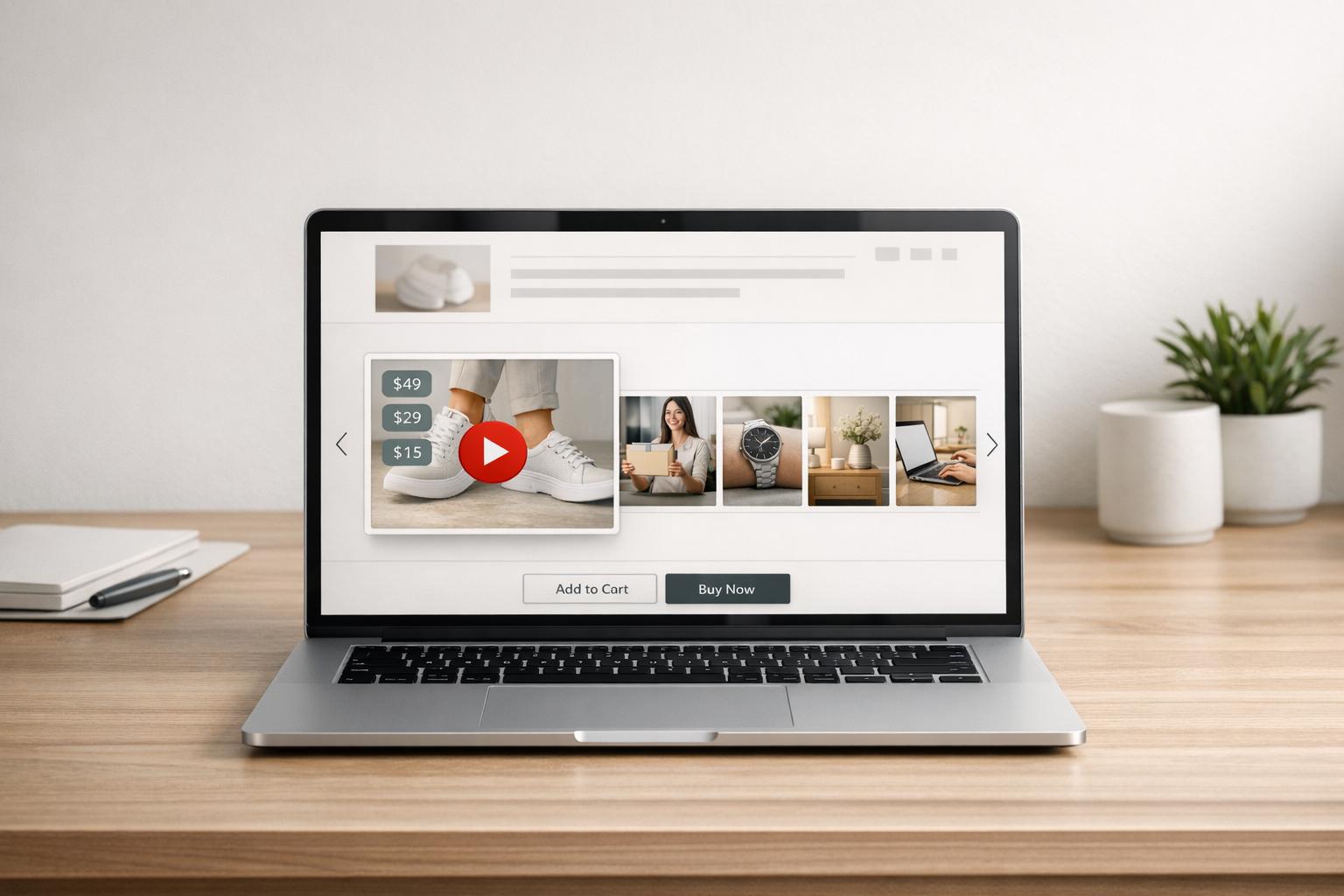
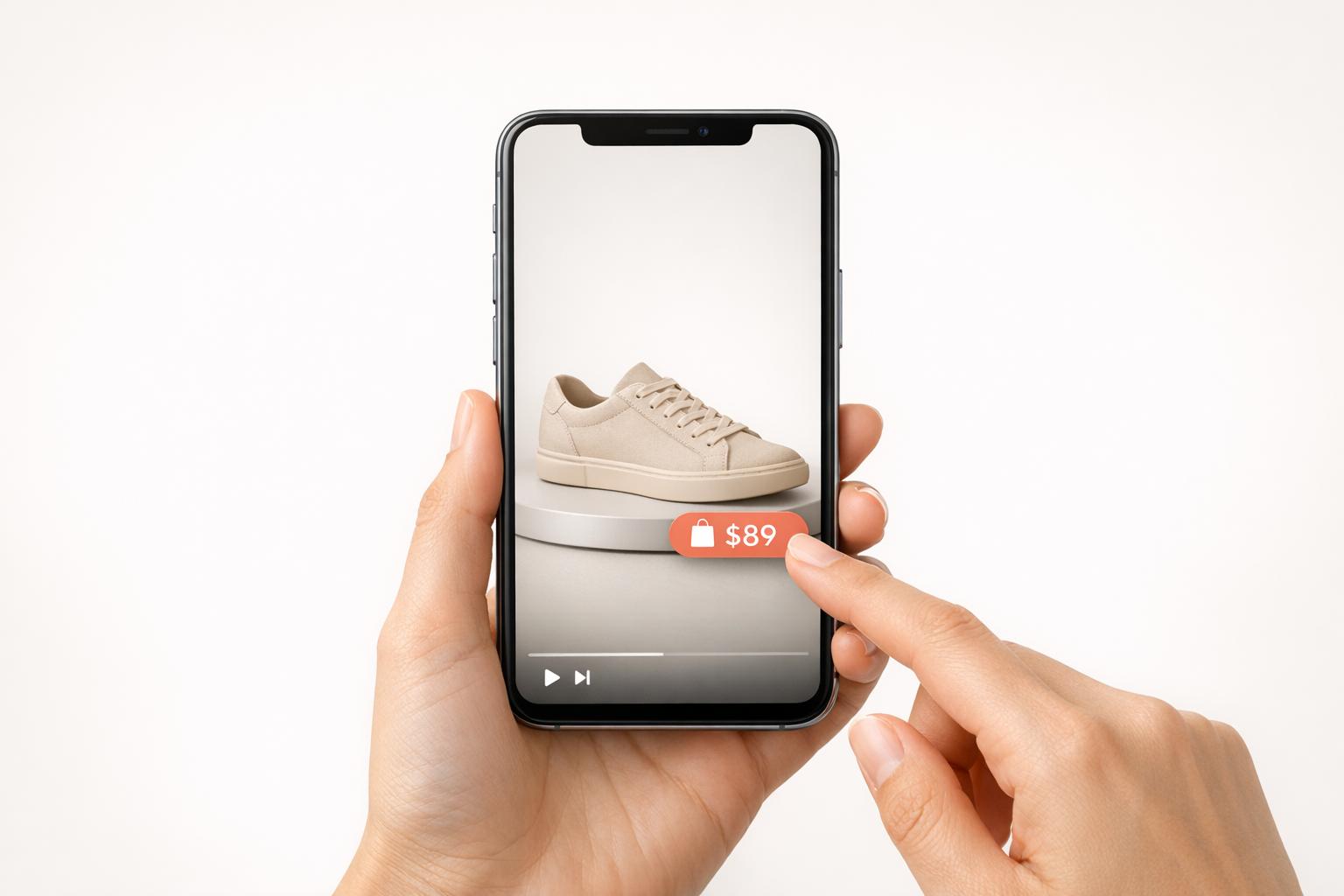
When creating demo videos, length is everything. The right duration can keep viewers interested, convey your product's value, and drive conversions. Here's a quick breakdown of what works:
- Social Media: 15–60 seconds to grab attention fast (e.g., TikTok, Instagram Reels).
- Product Pages: 30–60 seconds to highlight key features without overwhelming.
- YouTube: 7–15 minutes for detailed walkthroughs, or under 60 seconds for Shorts.
- New Visitors: Keep it under 2 minutes; focus on 2–3 key features.
- Returning Customers: Go for 3–5 minutes with more in-depth content.
- Existing Customers: Short tutorials under 2 minutes or longer training videos (30+ minutes).
Key Stats:
- Viewers decide in 1.7 seconds whether to keep watching.
- Videos under 2 minutes see 73% engagement.
- 87% of consumers say videos influence their purchase decisions.
To maximize impact:
- Hook viewers in the first 3 seconds.
- Tailor video length to the platform and audience.
- Test and refine based on engagement metrics.
Whether you're targeting quick awareness or deep dives, aligning video length with your audience's needs ensures they stay engaged and take action.

Demo Video Length Guide by Platform and Audience Type
Maximize Engagement on EVERY Social Media Platform | The Ultimate Guide to Video Length
Ideal Video Lengths for Different Use Cases
The purpose of your demo video plays a big role in determining its ideal length. A quick product introduction requires a different approach than a detailed tutorial. Here's a breakdown of the best video lengths for various scenarios.
30-60 Second Videos for Quick Product Intros
Short videos are perfect for platforms like Instagram Reels or TikTok. These quick clips work because they respect your audience's time while delivering concise, impactful information.
The secret to success with 30-60 second videos? Get straight to the point. Skip lengthy company intros and dive right into the action. Highlight a key feature, show the benefit, and wrap it up. These videos are great for grabbing attention on social media.
"The goal of a demo video is to show people enough, but not all. It is to introduce a new idea, raise awareness, and then move folks into whatever comes next." - Zach Dunn, Rally.space
1-2 Minute Videos for First-Time Visitors
First-time visitors need a bit more context than a 30-second clip can provide, but they’re not ready for a deep dive either. Videos in the 1-2 minute range are ideal for product overviews or seasonal releases.
Focus on showcasing 2-3 key workflows that will resonate most with new customers. Don’t try to cram in every feature - that can overwhelm viewers. Instead, show how your product solves a specific problem quickly and effectively. This length strikes the perfect balance between building a narrative and maintaining viewer interest.
Did you know that 73% of business-related videos are under two minutes long? It’s clear this format has become a go-to standard. Videos in the 1-5 minute range also tend to perform well, with viewers typically staying engaged for more than two-thirds of the runtime.
5-10 Minute Videos for Complete Product Walkthroughs
Longer videos cater to a different audience. If someone is willing to spend 5-10 minutes watching your demo, they’re already invested and want detailed information. These videos are perfect for prospects who are researching deeply or looking to get the most out of your product.
Keeping viewers engaged is crucial. About 50% of viewers stick around for videos under 10 minutes, but that number drops significantly for longer content. For complex products, consider breaking the walkthrough into modular segments. This approach makes it easier to update specific sections, allows viewers to skip to the parts they care about, and helps you track which features generate the most interest.
Instead of creating one exhaustive 30-minute walkthrough, try producing a series of 5-7 minute videos organized by feature or use case. This keeps things manageable for both you and your audience.
| Demo Type | Length | Primary Goal | Best For |
|---|---|---|---|
| Quick Intro | 30-60 seconds | Awareness & Interest | Social media, routine updates |
| Visitor Overview | 1-2 minutes | Feature Education | Product pages, first-time visitors |
| Detailed Walkthrough | 5-10 minutes | Complete Instruction | YouTube, help centers, invested prospects |
Matching Video Length to Your Audience
The length of your demo videos should reflect how familiar your audience is with your brand. By aligning video duration with your customers' journey, you can boost engagement and deliver content that's relevant to their needs. A first-time visitor exploring your product will have different expectations than a loyal customer looking for help with a specific feature.
New Visitors: Keep Videos Under 2 Minutes
When someone is encountering your brand for the first time, their attention span is limited. Engagement for explainer videos drops from 77% to 57% when they exceed two minutes. This makes it crucial to grab attention quickly and keep things concise.
"People who've never heard of your brand aren't going to invest more than a minute of their time with you, let alone longer." – Yael Klass, Promo.com
Within the first 3 seconds, you need a strong hook to draw them in. Skip lengthy introductions or company history and get straight to the point. Focus on showcasing 2–3 key workflows that solve immediate problems. Videos under one minute typically achieve a 50% engagement rate, meaning viewers will watch at least half the content.
Returning Customers: Use 3–5 Minute Videos
For visitors who are already somewhat familiar with your brand - whether they've been to your site a few times or signed up for your email list - longer videos are more appropriate. This audience is open to more detailed content, such as product reviews or in-depth explainers.
At this stage, you can highlight the benefits of your product in greater detail, share customer testimonials, and walk through more complex features. These videos help deepen their understanding of your product without overwhelming them. It's worth noting that 89% of people say watching a video has convinced them to make a purchase. Since returning customers already know your core offering, you can focus on showing them why your solution is the best fit.
Existing Customers: Create Short Feature Tutorials
Your existing customers are generally looking for quick answers or guidance on specific features. They don’t need a full product overview - they want targeted solutions. For these scenarios, keep videos under 2 minutes and focus on one feature or workflow at a time. Think of these as bite-sized tutorials that users can watch and apply immediately.
For more comprehensive needs, such as onboarding or advanced training, longer videos (30+ minutes) are effective. These are helpful for users actively seeking to dive deeper into your product. However, for routine updates or troubleshooting, shorter videos remain the better choice.
By tailoring video lengths to your audience's familiarity with your brand, you can provide the right level of detail at the right time.
| Audience Type | Recommended Length | Content Focus |
|---|---|---|
| New Visitors | Under 2 minutes | Strong hook, 2–3 key workflows solving immediate problems |
| Returning Customers | 3–5 minutes | Detailed benefits, testimonials, feature demonstrations |
| Existing Customers | Under 2 minutes (or 30+ minutes for training) | Specific feature tutorials, immediate problem-solving, updates |
Video Length Guidelines for Each Platform
When it comes to creating demo videos, understanding the ideal length for each platform can make all the difference. Different platforms come with their own audience expectations and technical limits, and tailoring your content accordingly can significantly boost its performance. For instance, TikTok users tend to favor short, snappy videos, while YouTube audiences often prefer more in-depth content.
Social Media: 15-60 Second Videos
Social media thrives on quick, engaging content. On TikTok, viewer retention drops dramatically after just 5 seconds, so keeping videos under 20 seconds is often the sweet spot. Instagram Reels perform best when they’re between 15 and 60 seconds, while Instagram Stories should stick to 15 seconds per slide.
For first-time visitors to your product, short Instagram Reels can grab attention fast. Marcus Milione, CEO of Minted New York, uses TikTok to share behind-the-scenes "pack and ship" and "how it's made" videos. These clips have become a key traffic source, offering viewers an authentic look at the brand. Similarly, Sugardoh founder Aliyah Marandiz uses YouTube Shorts under 60 seconds to teach hair-removal techniques, blending education with the satisfying appeal of ASMR.
"I think the best education is education that people don't know that they're actually learning from it. They're watching a video because they're sucked into the satisfying element... and then at the end, they're like, 'Wait, what? I just learned how to sugar.'" – Aliyah Marandiz, Founder, Sugardoh
An important tip for Facebook: since 95% of viewers watch videos on mute, always include captions or text overlays to ensure your message gets across, even without sound.
Product Pages: 30-60 Second Demos
On Shopify product pages, 30–60 seconds is the ideal length for demo videos. This duration allows you to showcase key features without slowing down page load times or losing viewer interest. Use this time to highlight aspects like texture, scale, and functionality - things static images can’t convey.
For simpler products, a quick 15-second intro might suffice. However, more complex items may need longer demos, sometimes up to 10 minutes, to explain setup processes or compare features. With 89% of people saying videos have convinced them to make a purchase, focusing on 2–3 key workflows can make a big impact.
YouTube: 7-15 Minute Videos and Shorts
YouTube offers flexibility in video length, catering to both short-form and long-form content. Traditional product demos and detailed tutorials perform well when they’re between 7 and 15 minutes, while YouTube Shorts should stay under 60 seconds. A great example is GoPro’s nearly 10-minute HERO12 Black demo, which used high-energy footage to highlight technical capabilities.
Research shows that videos between 2 and 10 minutes often see strong engagement on YouTube. If monetization is part of your strategy, aim for at least 8 minutes to enable mid-roll ads. Plus, hosting your demos on YouTube can boost your SEO - embedding these videos on your Shopify store can help improve your Google ranking.
| Platform | Maximum Length | Optimal Demo Length | Primary User Intent |
|---|---|---|---|
| TikTok | 10 minutes | Under 20 seconds | Entertainment & Discovery |
| Instagram Reels | 60–90 seconds | 15–60 seconds | Quick discovery, visual scrolling |
| Instagram Stories | 15 seconds | 1–7 slides (15s each) | Bite-sized updates |
| YouTube (Standard) | 12 hours | 7–15 minutes | Education & deep-dive tutorials |
| YouTube Shorts | 60 seconds | 15–60 seconds | Fast engagement |
| Shopify Product Page | N/A | 30–60 seconds | Evaluation & trust building |
| 240 minutes | 24–90 seconds | Engagement and sharing |
sbb-itb-d9e5b3a
Keeping Viewers Engaged While Delivering Information
Demo videos need to strike a perfect balance between being detailed and staying concise. With viewers making up their minds in just 1.7 seconds, every second counts.
Put Important Information First
The opening moments of your video are critical. If you don’t grab attention within the first three seconds, most viewers will move on. This means skipping drawn-out company histories, lengthy intros, or filler content. Instead, dive straight into your product’s most compelling features.
Pack your strongest points into the first half of the video. Research shows that for videos between one and five minutes, viewers typically stick around for only 46% of the runtime. By leading with your key message, you ensure even those who leave early get the most important takeaways.
Dyson nails this approach in their Airwrap tutorials. Using split-screen close-ups, they immediately showcase the "smart wrapping" technology, paired with on-screen text highlighting key specs. This method delivers essential technical details without slowing the pace. Similarly, GoPro’s HERO12 Black demo, nearly 10 minutes long, is carefully structured. On-screen specs appear as the footage demonstrates the camera’s capabilities, keeping viewers engaged.
Another effective tactic is the "happy path" method: show your product working seamlessly. Instead of dragging viewers through every step, highlight a couple of key actions, then jump to the final outcome. This keeps the video moving while still delivering the message.
Once you’ve front-loaded your key points, the next step is deciding whether your audience needs a quick overview or a more detailed walkthrough.
Choosing Between Brief Overviews and Detailed Walkthroughs
The choice between a short overview and a detailed tutorial depends on your audience’s needs and their stage in the buying journey. Quick overviews - under two minutes - are ideal for social media or first-time visitors. These videos focus on two or three impactful workflows that immediately demonstrate value. On the other hand, detailed walkthroughs, ranging from 5 to 30 minutes, cater to existing customers or prospects looking for in-depth technical guidance. These longer videos often boast a 10% conversion rate, reflecting the commitment of viewers who stick around. For extended content, adding chapters can help viewers jump straight to the sections they care about.
Think of your content as modular. Instead of creating one lengthy video, break it into smaller segments with individual story arcs. These segments can function independently or as part of a series, giving viewers the flexibility to choose what’s most relevant to them.
| Video Type | Length | Best For | Content Focus |
|---|---|---|---|
| Brief Overview | 30–90 seconds | New visitors; social media | 2–3 key features, showcasing the "happy path" |
| Standard Demo | 1–5 minutes | Product pages; explainers | Feature walkthroughs and comparisons |
| Detailed Walkthrough | 5–30 minutes | Existing customers; nurturing | Setup guides and technical details |
| Training Content | 30+ minutes | Onboarding; help centers | Comprehensive education |
The context in which viewers watch your video matters more than arbitrary time limits. For example, mobile viewers on social media prefer videos under 60 seconds, while B2B viewers on desktops are often willing to engage with longer content. Use on-screen text strategically to layer information - let the voiceover provide the big picture while text overlays highlight specific benefits.
Technical Setup for Demo Videos on Shopify
Ensuring your demo videos load quickly on Shopify is crucial for maintaining a smooth shopping experience. Slow-loading videos can frustrate visitors and drive them away before they even get a chance to see your product in action. To avoid this, focus on optimizing file size and delivery settings to keep your store running efficiently.
File Size and Compression
For the best performance, keep your video files between 5–10MB. While Shopify supports files up to 20MB, smaller files load faster and help keep visitors engaged. Stick to a resolution of 1080p - higher resolutions like 4K significantly increase file size without offering much added value for most users. Use the MP4 format with the H.264 codec for compatibility across all browsers. Aim for a bitrate of 2–5 Mbps, and maintain a frame rate of 24–30 fps. To compress your videos effectively, use a CRF (Constant Rate Factor) of 23–28 with tools like Handbrake or Adobe Media Encoder.
"The bitrate of your video sets the minimum network speed that your customers can use. In general, the bitrate of your video should be about 80% of the available throughput on the network."
– Doug Sillars, Author and Developer Relations Lead
A great example of this in action is True Classic, an apparel brand that optimized video delivery across 700+ product pages. By using asynchronous JavaScript scripts of just 37KB and adaptive bitrate streaming, they ensured smooth playback even for users on slower mobile networks.
Lazy Loading for Faster Page Speeds
Lazy loading is a smart way to improve page speed by deferring video downloads until they're actually needed. Videos that appear above the fold should load immediately, but those further down the page can be lazy-loaded. This approach can make pages load 40–60% faster and reduce bounce rates by about 25%.
"Lazy loading ensures that your videos load only when they appear on the screen... reducing website loading times."
– Shreelekha Singh, Content Writer, Videowise
To further optimize performance, set your video's preload attribute to preload="metadata" instead of preload="auto". This ensures browsers only download essential data before a user clicks play. These steps help your demo videos integrate seamlessly with your Shopify store, creating a better experience for your customers.
UWidget for Video Integration
If you're looking to keep your server load light while delivering high-quality videos, consider offloading hosting to a third-party platform. The UWidget app is an excellent tool for this. UWidget allows you to embed and manage YouTube-hosted demo videos, taking advantage of YouTube's servers for hosting while keeping your store fast.
Beyond performance, embedding YouTube videos can also improve your site's SEO, as Google often prioritizes pages with video content. UWidget offers various display options, including galleries, carousels, sliders, and sticky video integrations, all designed to keep your page lightweight and engaging.
Testing and Improving Your Demo Videos
Creating a great demo video isn’t a one-and-done task - it’s an ongoing process. Regular testing and feedback allow you to refine your approach, ensuring your videos stay engaging and deliver results. By focusing on the right metrics and listening to your audience, you can tweak both the content and length of your demos to boost engagement and drive conversions.
A/B Testing Different Video Lengths
A/B testing is a powerful way to figure out what works best for your audience. For instance, you could compare a quick 30-second product highlight to a more detailed 90-second walkthrough, both displayed on the same product page. The secret lies in tracking key metrics like watch time, engagement rates, and conversion goals to see which version performs better.
A smart way to approach this is by recording one full-length video and then editing it into shorter versions. This method saves time while letting you test different lengths efficiently. Keep an eye on drop-off rates - if viewers consistently stop watching at the same point, it’s a sign that section might need trimming or reworking. With attention spans as short as 1.7 seconds for deciding whether to keep watching, experimenting with compelling hooks at the start of your videos is crucial. Research shows that videos under 60 seconds average a 50% engagement rate, while only 20% of viewers stick around for videos longer than 20 minutes.
While video length is important, visual elements like thumbnails also play a big role in capturing attention, which leads us to the next key area.
Creating Better Thumbnails for More Clicks
Thumbnails are the first thing viewers see, and a strong thumbnail can make all the difference in whether they click play. Choose visuals that show your product in action or feature human faces - these tend to perform better than plain text or generic images.
Experiment with different thumbnail styles, such as showcasing specific product features or trying out various color schemes. Testing these small changes can reveal what grabs your audience’s attention and increases click-through rates, ensuring more people engage with your demo content.
Refine Your Videos Based on Customer Feedback
Your customers are one of your best resources for improving your videos. Encourage feedback by adding calls to action at the end of your demos, asking viewers to share their thoughts or show how they’re using your product. This direct input can help you identify which features resonate most and where improvements are needed.
To make updates easier, consider breaking your demos into modular sections rather than creating one long, continuous recording. This way, you can tweak specific parts without redoing the entire video. For example, if customers frequently ask about a particular feature, create a short tutorial addressing it. On the other hand, if there’s confusion about a certain section, revise it to make the explanation clearer and more concise.
Social media platforms are excellent for gathering quick feedback. Sharing shorter clips on platforms like Instagram or X (formerly Twitter) lets you see which segments spark engagement, comments, or shares. This real-time data helps you focus on what matters most to your audience and refine your demos accordingly.
"Bringing your customer along on the journey helps them buy into the product even more because they are part of that entire process." – Marcus Milione, CEO and Founder, Minted New York
Conclusion
When it comes to demo videos, length matters - and it should align with your audience and platform. New visitors often prefer quick, snappy introductions lasting 30–60 seconds to grab their attention. On the other hand, existing customers might be more interested in detailed tutorials stretching 5–10 minutes to explore specific features. Keeping videos short can significantly boost engagement.
Each platform has its own sweet spot for video length. Social media thrives on bite-sized content under 60 seconds, while YouTube viewers often seek more in-depth explanations, usually around 3–4 minutes. If you're creating product page demos, aim for 1–2 minutes to maximize conversions. Considering that video content has a strong impact on purchase decisions, tailoring the length and format can directly enhance your conversion rates.
Technical execution is just as critical as content strategy. For Shopify store owners, tools like UWidget can help embed videos with lazy loading, ensuring your store remains fast and user-friendly.
A smart approach is to create one comprehensive demo video and then edit it into multiple versions of varying lengths. Test these cuts by analyzing watch time, engagement, and conversion rates. Use A/B testing and customer feedback, as mentioned earlier, to fine-tune your strategy and find what resonates best with your audience.
FAQs
What is the recommended length for a demo video on social media?
For social media, a demo video works best when it’s 15 to 30 seconds long. This short format is perfect for grabbing attention while highlighting the key features of your product or service.
A brief, punchy demo keeps viewers engaged, catering to the preference for quick, value-packed content that social media users love.
What is the ideal length for a demo video at different stages of the customer journey?
The ideal length for a demo video varies depending on where your customer is in their journey, as each stage comes with different expectations and attention spans. For the awareness stage, keep it quick and captivating - under 30 seconds is perfect for grabbing attention and giving a brief introduction to your product or solution. When customers are in the evaluation stage, videos should run 30 to 90 seconds, offering a concise look at key features or a quick demo. For the conversion stage, longer videos - 2 to 5 minutes - are more effective. These can dive deeper into details, especially if broken into shorter segments that focus on specific features or use cases.
To ensure your videos perform well, monitor metrics like completion rates for shorter videos and view-through-to-conversion rates for longer ones. If you notice viewers dropping off early, try trimming the content or breaking it into smaller, more targeted clips. By aligning video length with your audience’s mindset and regularly analyzing engagement data, you can craft demo videos that resonate and deliver results.
How can I keep viewers engaged during longer product demo videos?
To keep viewers hooked during longer demo videos, break your content into short, focused segments that spotlight specific features or benefits. Add on-screen timestamps or chapter markers so viewers can jump straight to the sections that interest them most. Kick off each segment with a strong hook, move swiftly from the problem to the solution, and wrap up with a clear call-to-action - like prompting users to sign up for a trial or directing them to a detailed guide.
Good editing is key to holding attention. Use smooth transitions, ensure high-quality audio, and include captions for those watching without sound. Incorporate visual aids like progress bars or checklists to give viewers a sense of how much content is left. If feasible, opt for a series of shorter videos (2–5 minutes each) instead of one lengthy demo - this makes the content easier to absorb and encourages repeat visits. And when highlighting Fractal Apps’ exclusive Shopify tools, focus on real-world benefits like boosting conversion rates to keep the value crystal clear.