Want to boost your Shopify sales by 80%? Adding video reviews to your store can do just that. Shoppers trust videos more than text, with 81% preferring to watch a review rather than read one. Video reviews not only build trust but also keep visitors on your site longer, improve SEO, and increase conversion rates by up to 85%.
Here’s why video reviews work and how to use them effectively:
- Visual Proof: Videos show fit, color, and functionality in ways text can't.
- Higher Engagement: Sites with video reviews see an 88% increase in visitor time.
- Sales Impact: Some brands report a 112% rise in Average Order Value (AOV) with video reviews.
To get started:
- Ask customers for video reviews with incentives like discounts or loyalty points.
- Make submissions simple with mobile-friendly tools.
- Use Shopify apps like UWidget to embed videos on product pages, especially near "Add to Cart" buttons.
Repurpose these videos for emails, social media, and ads to maximize their impact. Video reviews aren’t just nice to have - they’re a proven way to convert more customers.

Video Reviews Impact on Shopify Store Performance: Key Metrics and Statistics
How to Add Video Reviews & UGC Video Carousel to Shopify Product Page [Easy 2025 Tutorial]
Why Video Customer Reviews Work
Text reviews share opinions, but video reviews show real experiences. When someone reads "great fit" in a text review, they’re left to imagine what that actually means. A video, on the other hand, lets shoppers see for themselves - how the product fits, moves, or performs - eliminating any guesswork.
The stats make this clear: 81% of people prefer watching a video review over reading text. This isn’t just about preference; it reflects a deeper change in how people decide what to buy. Today’s shoppers trust real people over brands. As trust expert Rachel Botsman explains, "We've stopped trusting institutions and started trusting strangers".
Let’s break down why video reviews are so effective at building trust.
How Video Reviews Build Trust
Video reviews feel credible because they’re harder to fake. A text review saying "the color is perfect" can be vague or misleading. But in a video, you can see the exact shade of a blue sweater under natural light, notice the texture, and watch how it drapes. You can even hear the reviewer’s genuine excitement - or hesitation - in their voice.
This visual clarity addresses common concerns about online shopping. For example: Does this jacket fit someone with broad shoulders? Is this blender actually quiet enough for early mornings? Text might describe these features, but video shows them in action, providing a level of proof that brands themselves can’t replicate.
"A video demonstrates a product in a real-world context from a perspective that a brand itself cannot authentically replicate." – Ben Salomon, Growth Marketing Manager at Yotpo
Beyond the visuals, the personal connection is powerful. Seeing a real person - not a model or actor - share their experience feels like advice from a friend. Their tone, body language, and candid comments communicate authenticity in ways that polished brand videos simply can’t. This is why 94% of purchases go to products with 4- or 5-star ratings, and video reviews add a compelling visual layer to that social proof.
But the impact of video reviews doesn’t stop at trust - they also drive sales.
Video Reviews and Conversion Rates
By building trust, video reviews deliver impressive results for conversions and revenue. Some stores that use shoppable video reviews - where viewers can click to buy directly from the video - see an 85% increase in conversion likelihood.
The financial benefits go further. Marketers who incorporate video grow their revenue 49% faster than those who don’t, and certain brands have seen their Average Order Value (AOV) jump by 112% after adding video reviews. These aren’t small gains - they’re game-changing improvements in performance.
Video reviews also keep shoppers on your site longer, which helps both sales and SEO. Websites featuring video reviews see visitors spending 88% more time on their pages. Search engines interpret this as a sign that your content is valuable, which can boost your organic rankings and drive more traffic without increasing ad spend.
| Metric | Impact of Video Reviews |
|---|---|
| Time on Site | Up to 88% increase |
| Revenue Growth | 49% faster for video users |
| Average Order Value | Up to 112% increase |
| Shoppable Video Conversion | 85% increase in likelihood |
How to Get Video Reviews from Customers
Video reviews are a powerful way to build trust and engagement with your audience. In fact, about 70% of customers are willing to leave a review if you simply ask them to. The key is to time your request strategically and offer clear, enticing incentives. Let’s dive into how you can motivate customers to create video reviews and make the process seamless.
Ways to Motivate Customers to Record Videos
Getting customers to record video reviews often requires a little extra motivation. Research shows that offering higher-value incentives for video reviews can boost submission rates by up to 500%. To make it worth their effort, consider tiered rewards that offer more appealing perks for video submissions compared to text or photo reviews. These could include:
- Discount codes for future purchases
- Loyalty points that can be redeemed
- Free shipping on upcoming orders
- Contest entries for a chance to win a standout prize
Timing your request is just as important as the reward. For products like clothing or consumables, reach out 7–14 days after delivery when the excitement is still fresh. For items like electronics or skincare, which may take longer to evaluate, wait 21–30 days to ensure customers have had enough time to form an opinion.
It’s also smart to mix up your communication channels. While email is a common method, SMS-based review requests have been found to achieve a 66% higher conversion rate than other channels. Using a combination of email, SMS, and even WhatsApp can help you connect with customers where they’re most active. Additionally, including QR codes on product packaging or thank-you notes that link directly to a mobile-friendly upload form can capture their attention right at the unboxing moment.
Making Video Submissions Easy
Once you’ve motivated customers to participate, the next step is to remove any barriers that might discourage them. Start by creating a mobile-first submission process that doesn’t require downloads or logins. Since most people will use their smartphones to record, the process should feel as simple as posting on social media.
Set clear expectations to make the task feel manageable. Ben Salomon from Yotpo suggests asking for a short, 15-second clip. Providing prompts like “How does it fit?” or “Show us how you’re using the product” can also help customers feel more confident about what to say.
Streamline the submission process with tools like automated emails or SMS messages that include one-click links to upload forms. Make sure the interface allows customers to attach files directly without jumping through hoops like creating accounts or navigating multiple pages.
Lastly, lead by example. Share a sample video review on your site to show customers what a great submission looks like in terms of length, tone, and style. This not only inspires confidence but also sets a clear standard for what you’re looking for. By taking these steps, you’ll make it easier for customers to share their experiences, boosting trust and conversions on your Shopify store.
Producing and Editing Video Reviews
Once you’ve gathered customer videos, the next step is to refine them for a polished, professional appearance. A few smart edits can make a big difference, keeping the content engaging while preserving its genuine feel. Let’s dive into how to handle production, editing, and formatting to turn raw clips into standout video reviews.
Video Production Tips
For customer review videos, aim for a length of 30 to 60 seconds. This keeps viewers interested without losing their attention. If you're working on tutorial-style content, which often requires more detail, you can go up to 10 minutes. However, for testimonials and unboxing videos, keep it short - under one minute works best.
Focus on three main types of videos: testimonials, unboxing videos, and product demonstrations. Each serves a unique purpose:
- Testimonials: Build trust by showcasing real customer experiences.
- Unboxing videos: Highlight initial reactions and packaging details.
- Product demonstrations: Show how the product works and answer specific questions about its functionality.
When filming, prioritize clear audio and stable visuals. Use a tripod to avoid shaky footage, and invest in a lapel or shotgun microphone for crisp sound. Natural lighting often works well, but if you're indoors, ensure proper lighting for a clean, professional look. As Chloe West from Shopify points out:
"High-quality footage shows your audience you take your brand and its products seriously. Low-quality, grainy, or blurry footage can look unprofessional and untrustworthy".
Editing Techniques That Work
Editing is where the magic happens. Start by cutting out any quiet pauses, filler words, or repetitive sections. This keeps the video concise and professional while maintaining its authenticity. Adding subtle background music or sound effects (like a "pop" when text appears) can help emphasize key moments without overwhelming the viewer.
Don’t skip captions - they’re essential. Many people watch videos with the sound off, and subtitles make your content more accessible and engaging.
Consistency is key when it comes to branding. Stick to uniform fonts, colors, transitions, and logos throughout your videos. Adjust the pacing to match your brand’s tone - a faster pace can convey energy and excitement, while a slower one feels relaxed and lifestyle-oriented.
Once your edits are complete, the final step is choosing the right format to ensure smooth playback and broad compatibility.
Choosing the Right Video Format
Different types of videos work better for different goals. Here’s a quick guide to help you decide:
| Video Type | Typical Length | Conversion Impact | Best Use Case |
|---|---|---|---|
| Testimonial | 15–60 seconds | High | Builds trust by sharing real customer experiences |
| Unboxing | 30–60 seconds | Medium | Highlights physical product and first impressions |
| Product Demo | 30 seconds–2 minutes | High | Demonstrates functionality and solves specific pain points |
| Tutorial | 2–10 minutes | High for retention | Offers in-depth educational value |
Before uploading, compress your video files to reduce size without compromising quality. Tools like HandBrake or Adobe Media Encoder are great for this. Export in MP4 format with an H.264 codec - this format balances quality and compatibility across all devices.
As Rob LeFebvre from Shopify explains:
"MP4 gets the job done for nearly all online streaming".
MP4 is widely supported, offers excellent quality, and keeps file sizes manageable. While WebM is a faster-loading alternative, it doesn’t work well on older Safari versions or some iOS devices.
Lastly, consider the orientation based on where you’ll share the video. Use portrait (vertical) for platforms like Instagram Reels or TikTok, and landscape (horizontal) for YouTube or desktop embeds. This ensures your videos look great no matter where they’re viewed.
sbb-itb-d9e5b3a
Adding Video Reviews to Your Shopify Store
Once you’ve polished your video reviews to perfection, the next step is displaying them in a way that builds trust and boosts conversions. Why? Because 62% of consumers watch product review videos before making a purchase. When done right, video reviews can significantly influence buying decisions.
Using Apps to Add Videos
Shopify apps make embedding video reviews effortless, handling all the technical details for you. For example, UWidget is a great tool if your videos are hosted on YouTube. It lets you create eye-catching galleries, carousels, sliders, and even sticky players to showcase customer testimonials directly on your store pages.
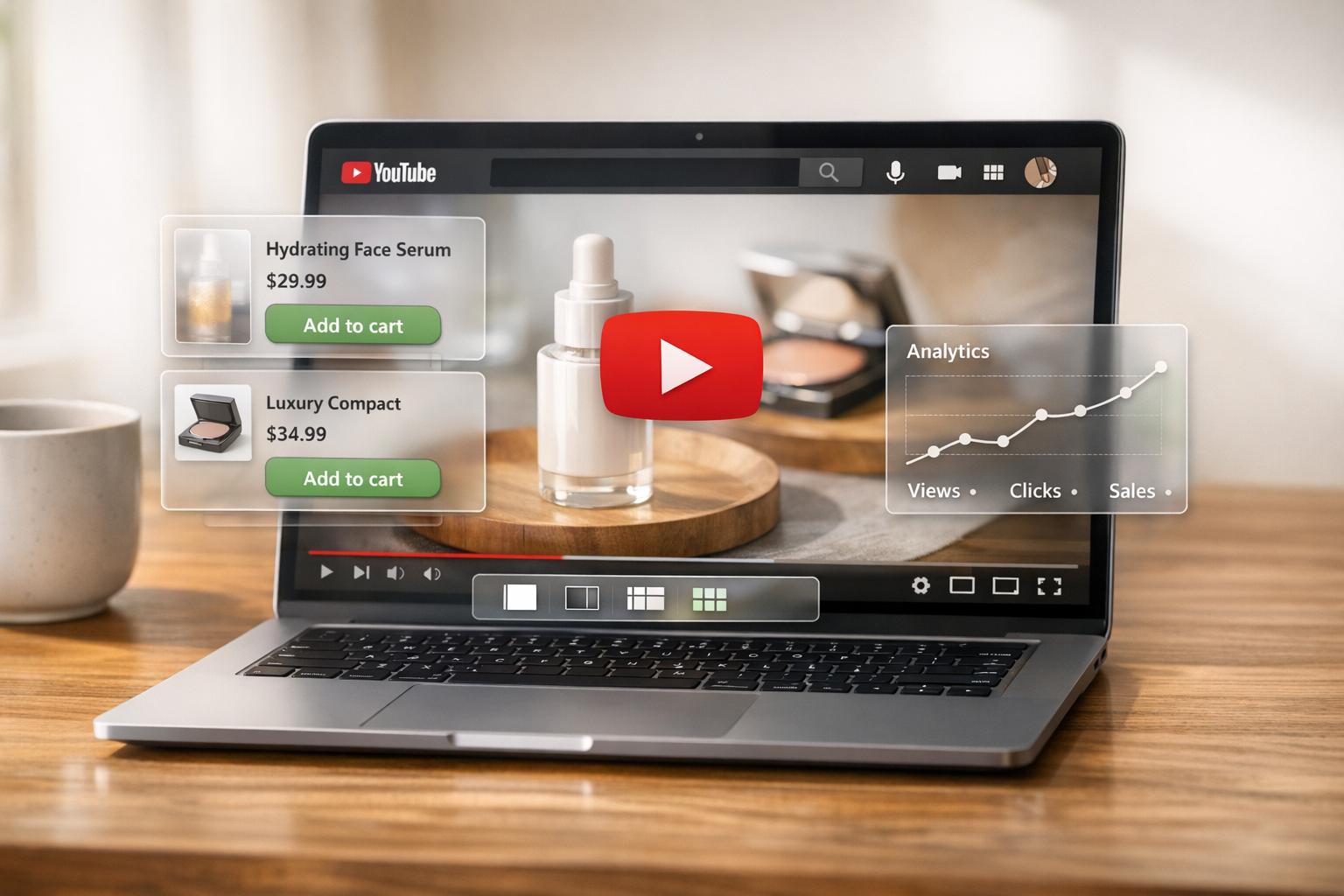
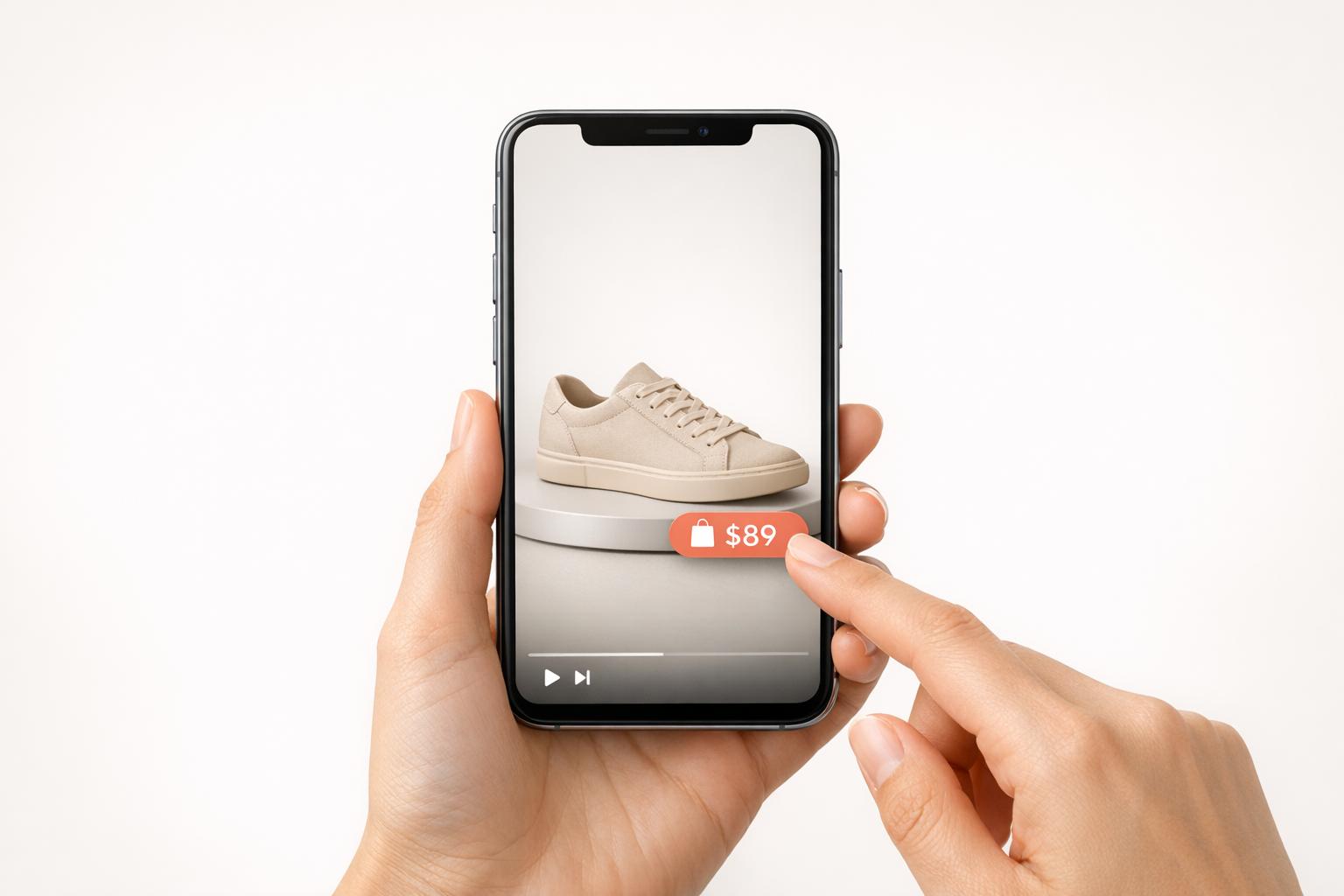
These apps integrate seamlessly with the Shopify Theme Editor, allowing you to add video widgets as "App Blocks". To make the most of this feature, link specific video reviews to their corresponding products. This ensures that when a shopper views a product page, they see testimonials that are directly relevant. Some apps even include "shoppable" features, enabling customers to purchase products straight from the video player.
Once your videos are embedded, their placement becomes critical to capturing attention and driving conversions.
Where to Place Videos for Best Results
To maximize impact, position video reviews on product pages near the "Add to Cart" button. This is a pivotal moment in the buyer’s journey, and seeing a genuine customer testimonial right then can make all the difference. In fact, adding a video to a landing page can boost conversion rates by up to 80%. Plus, 82% of video marketers say that video content increases the time visitors spend on a page.
You can also feature video reviews prominently on your homepage, perhaps in a dedicated "Customer Reviews" section or a carousel. This helps establish trust the moment visitors arrive on your site. And don’t forget about mobile users - make sure your video players are optimized for smooth playback on smartphones. A seamless mobile experience can be a game-changer.
Getting More Value from Video Reviews
Once you've nailed the placement of your videos, don't let them gather dust. Video reviews are powerful tools that can keep working for you when repurposed across different platforms. By automating and reusing them smartly, you can amplify their impact and watch your conversions grow. Here's how to make the most of your video reviews, including ways to spotlight your best ones.
Highlighting Your Best Video Reviews
Not every video review will hit it out of the park, so it's essential to identify and promote the ones that do. Focus on reviews that tackle common buyer concerns - like how well clothing fits or whether electronics are built to last. These kinds of testimonials often have the biggest influence on potential customers.
Consider adding a "Customer Stories" section to your homepage. Feature your top 3–5 video reviews here and update them monthly based on performance metrics. If you're using tools like UWidget to showcase YouTube-hosted reviews, updating your carousel or gallery is a breeze - no coding required.
But don’t stop at your homepage. Repurpose your standout videos across other marketing channels. For example:
- Embed them in abandoned cart emails. Brands using video reviews in email campaigns have reported a 112% boost in Average Order Value.
- Share short, authentic clips as Instagram Reels or TikTok posts. Casual, real-customer content often outshines polished, studio-made ads on these platforms.
- Use them in paid ads. Video testimonials often lead to lower cost-per-click and higher return on ad spend compared to traditional ad formats.
By making your best reviews more visible, you can turn them into conversion-driving machines.
Automating Video Collection
Manually requesting reviews can be a time sink, especially as your business grows. Instead, set up automated systems to handle the process for you. For instance, schedule review requests to go out 7–14 days after delivery for items like clothing, or 21–30 days for products that need a trial period, such as skincare or electronics. This timing ensures customers have had enough time to use the product while their excitement is still fresh.
Modern review platforms make automation easy by integrating directly with your Shopify store. These tools can send requests via email, SMS, or WhatsApp, depending on your preferred channel. SMS requests, in particular, can yield a 66% higher response rate than other methods. The simpler the process, the better - customers should be able to record and upload their videos straight from their smartphone browser without needing extra apps or accounts.
Some advanced tools even go a step further by using AI to scour platforms like Instagram, TikTok, and YouTube for existing mentions of your brand. These can be imported as shoppable content, capturing genuine testimonials that your customers have already shared - no extra effort required. Pair this with AI moderation to weed out spam and inappropriate content, and you’ve got a streamlined system for collecting high-quality video reviews.
Conclusion
Video customer reviews are a game-changer for Shopify stores. Brands have seen a 112% boost in Average Order Value, and video reviews can increase the time shoppers spend on your site by up to 88%. This extra engagement not only helps conversions but also signals to search engines that your site offers valuable content.
These videos go beyond traditional marketing - they show real customers addressing common questions, like how a dress fits, how well an electronic device performs, or how effective a skincare product is. This kind of authentic feedback reassures shoppers and nudges them toward hitting "Add to Cart."
Want to make the most of video reviews? Start with an easy, automated system for collecting them. Set up review requests to go out 7–30 days after delivery, ensure submissions are mobile-friendly, and sweeten the deal with incentives like loyalty points or discount codes. Once you’ve gathered reviews, place them on your product pages where they’ll have the biggest influence. Tools like UWidget make it easy to showcase YouTube-hosted reviews without needing coding skills.
Don’t stop there - repurpose your best video testimonials across email campaigns, social media, and paid ads to maximize their impact. By using these strategies, you’ll build a library of persuasive content that keeps driving growth for your Shopify store.
FAQs
How can I motivate customers to share video reviews on my Shopify store?
Encouraging customers to share video reviews doesn’t have to be complicated. A good starting point is offering a clear reward - something like a $10 discount or 15% off their next purchase - for submitting a video review. Highlight this perk wherever you can: in emails, on thank-you pages, or through friendly reminders.
To make it even easier, use a review tool that lets customers record or upload videos directly from their phone or computer without any hassle. And don’t forget to feature existing video reviews prominently on your site. Seeing others participate can motivate new customers to join in. With a smooth process and appealing rewards, you can transform satisfied buyers into enthusiastic video reviewers, driving both engagement and sales.
What are the best practices for creating and editing customer review videos for Shopify?
To create and refine customer review videos for your Shopify store, focus on keeping things straightforward and polished. Begin by planning the content - ask your customers to mention the product name, its benefits, and their overall rating. Aim for brevity; videos between 30 to 90 seconds work best to keep viewers interested.
When filming, ensure you're in a well-lit area, use a steady camera or phone, and capture clear audio to minimize editing later. For the editing process, stick to user-friendly tools like iMovie or DaVinci Resolve. These programs let you trim clips, add text overlays, and incorporate subtle branding elements such as logos, colors, or subtitles. Always export your video in 1080p resolution and MP4 format to ensure it plays seamlessly on your Shopify store.
Once your video is ready, embed it directly on your product pages using tools like UWidget, making it easy for customers to watch without leaving your site. A thoughtfully produced video review can enhance trust and help boost sales.
Where is the best place to add video reviews on my Shopify store?
To get the best results, position customer video reviews in the most visible and impactful spots on your Shopify store. Start with product pages - embed videos near product images or the rating section. This placement helps potential buyers feel more confident about their choices.
Consider adding videos to your homepage or creating a dedicated reviews section. These areas grab attention quickly and establish trust with visitors right away. Other strategic spots include category pages, the cart or checkout process (to reassure hesitant buyers), and even post-purchase thank-you pages to encourage future purchases.
By placing video reviews where they’ll have the greatest impact, you can build trust and increase conversions effectively.