Video CTAs (Call-to-Actions) are interactive elements embedded in videos that encourage users to take specific actions, like clicking a button or filling out a form. These dynamic CTAs outperform static alternatives by engaging users at key moments during video playback. Here’s why they matter:
- Boost Conversions: Landing pages with videos can increase conversions by up to 86%, and video CTAs average a 16% conversion rate.
- Faster Processing: The human brain processes visuals 60,000 times faster than text, making videos a powerful tool to grab attention.
- Build Trust: Videos reduce hesitation by providing clear product insights and emotional connections.
- Proven Results: Companies like Dropbox and Crazy Egg saw conversion increases of 10% and 64%, respectively, by using video CTAs.
Key Takeaways:
- Use video CTAs to guide users toward actions like sign-ups or purchases.
- Place CTAs strategically based on video length (e.g., mid-roll for 3–5 minute videos).
- Test and refine your CTAs using A/B testing and performance metrics.
For Shopify merchants, tools like UWidget and ILikeThat simplify adding shoppable videos and interactive features, helping boost engagement and sales.

Video CTA Conversion Statistics and Performance Metrics
How Video CTAs Increase Landing Page Conversions
Getting and Keeping User Attention
Visuals are processed by the brain much faster than text - about 60,000 times faster, in fact. This is where videos shine. They grab attention instantly by delivering complex messages in just seconds, removing the need for visitors to wade through lengthy paragraphs. By combining visuals and sound, videos create emotional connections that static text simply can’t match. This ability to engage viewers on multiple levels makes videos a powerful tool for building trust and reducing hesitation, as explained below.
Reducing Hesitation and Building Trust
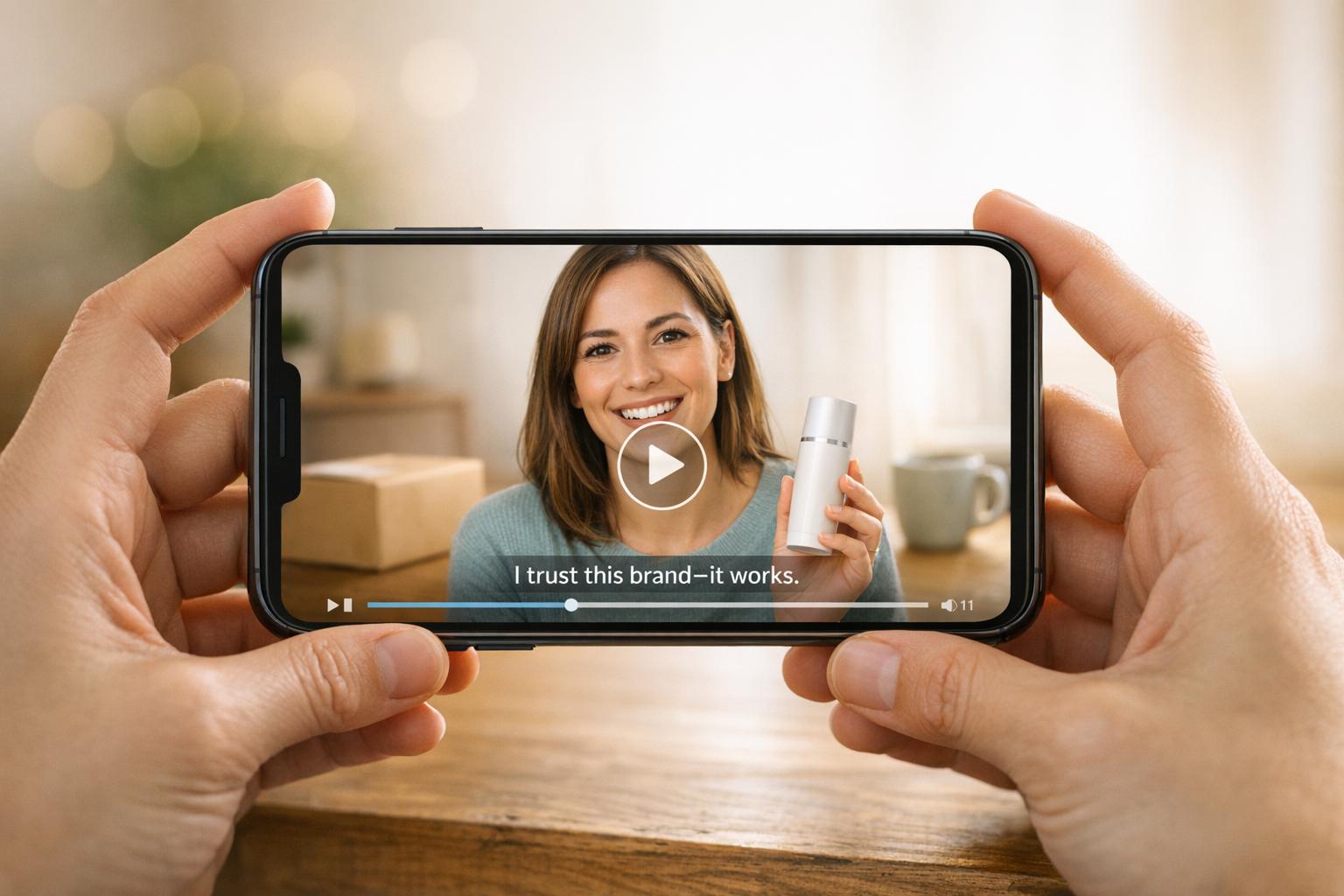
Once you’ve captured attention, videos work wonders in easing doubts. A clear product demo or a heartfelt testimonial can give potential customers a much better understanding of what they’re getting, which helps eliminate the uncertainty that often delays purchases. Take Zappos, for instance. When they introduced simple product videos featuring staff explaining shoe features and offering 360-degree views, sales jumped by 6% to 30%. These videos not only showcased professionalism but also made the buying process feel more approachable, fostering the trust needed to convert hesitant visitors.
And let’s not underestimate the power of real people in videos. Seeing a face and hearing a voice can evoke a stronger emotional response than written testimonials ever could. In fact, 80% of users recall a video ad they’ve seen in the past 30 days. That kind of recall builds confidence and encourages action.
Directing Users to Take Action
Once attention and trust are secured, videos take it a step further by guiding users toward specific actions. They achieve this with clear directional cues - like a person pointing to a button, animated icons, or verbal instructions - to show exactly what to do next. Modern video CTAs often include interactive features such as clickable buttons, swipeable banners, and embedded lead generation forms. To make these CTAs stand out, use contrasting colors or subtle animations that draw the eye.
A great example comes from Vidyard’s CEO, Michael Litt, who experimented with landing page variations using Unbounce. One version without a video converted at 6.5%, another with an embedded video reached 11%, and a version featuring a video in a lightbox modal hit a 13% conversion rate. That’s a 100% improvement compared to the original design. Videos not only grab attention and build trust - they also drive results when paired with clear, actionable CTAs.
Research and Case Studies on Video CTA Performance
Key Research Findings
Recent studies show that incorporating video into landing pages can increase conversion rates by as much as 86% - though the results depend heavily on execution. On the Wistia platform, for example, video CTAs achieve an average conversion rate of around 16%. Additionally, 88% of consumers say they’ve been persuaded to buy a product after watching a video.
However, not all data paints a rosy picture. A review of 35,000 customer pages by Unbounce revealed that adding video doesn’t always lead to better results. In some cases, it had no effect or even correlated with lower click-through rates. Floss Taylor, a data analyst at Unbounce, explained:
"Adding video does not consistently boost conversion rates. In many cases, it either had no impact or actually correlated with lower performance."
This underscores the importance of testing - video isn’t a one-size-fits-all solution, and its success depends on thoughtful implementation.
Real-World Examples
Take Crazy Egg, for instance. This heat mapping software company introduced a 2.5-minute animated explainer video to better communicate its product’s value. The result? A 64% increase in conversion rates and an additional $21,000 in monthly revenue. The video simplified complex ideas in a way text alone couldn’t.
Another example comes from a Brafton client who ran a two-week A/B test back in November 2013. They compared a text-only landing page with one featuring video. The text-only page had a 7% conversion rate (3 conversions from 42 visits). In contrast, the video-enhanced page achieved a 25% conversion rate, translating to 26 conversions from just over 100 visits - a staggering 257% improvement in user action. These weren’t minor tweaks; the video fundamentally shifted how users interacted with the page.
Such examples highlight how video CTAs can transform user behavior, especially in eCommerce settings like Shopify stores, where reducing hesitation is key.
Video CTAs for Shopify Stores

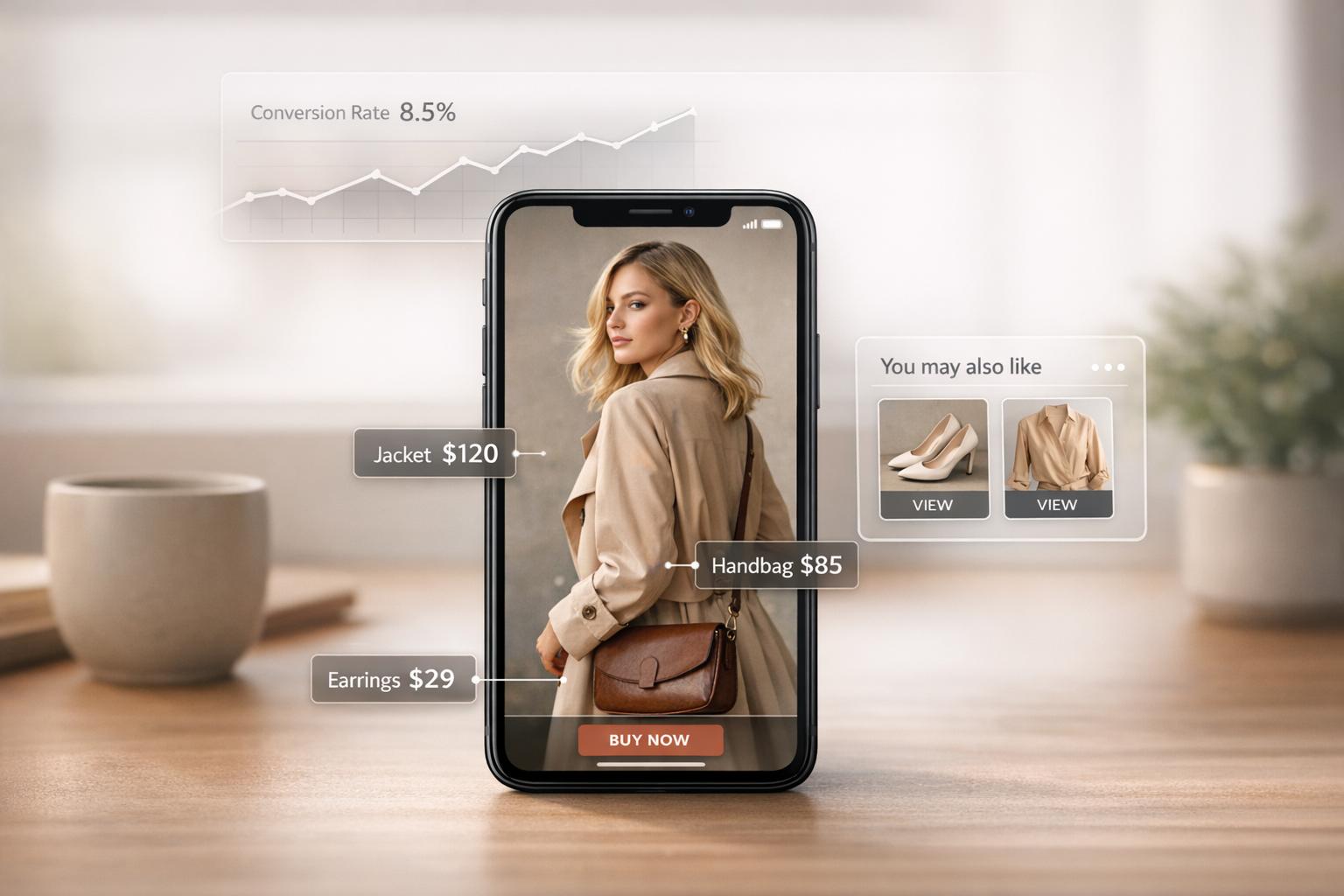
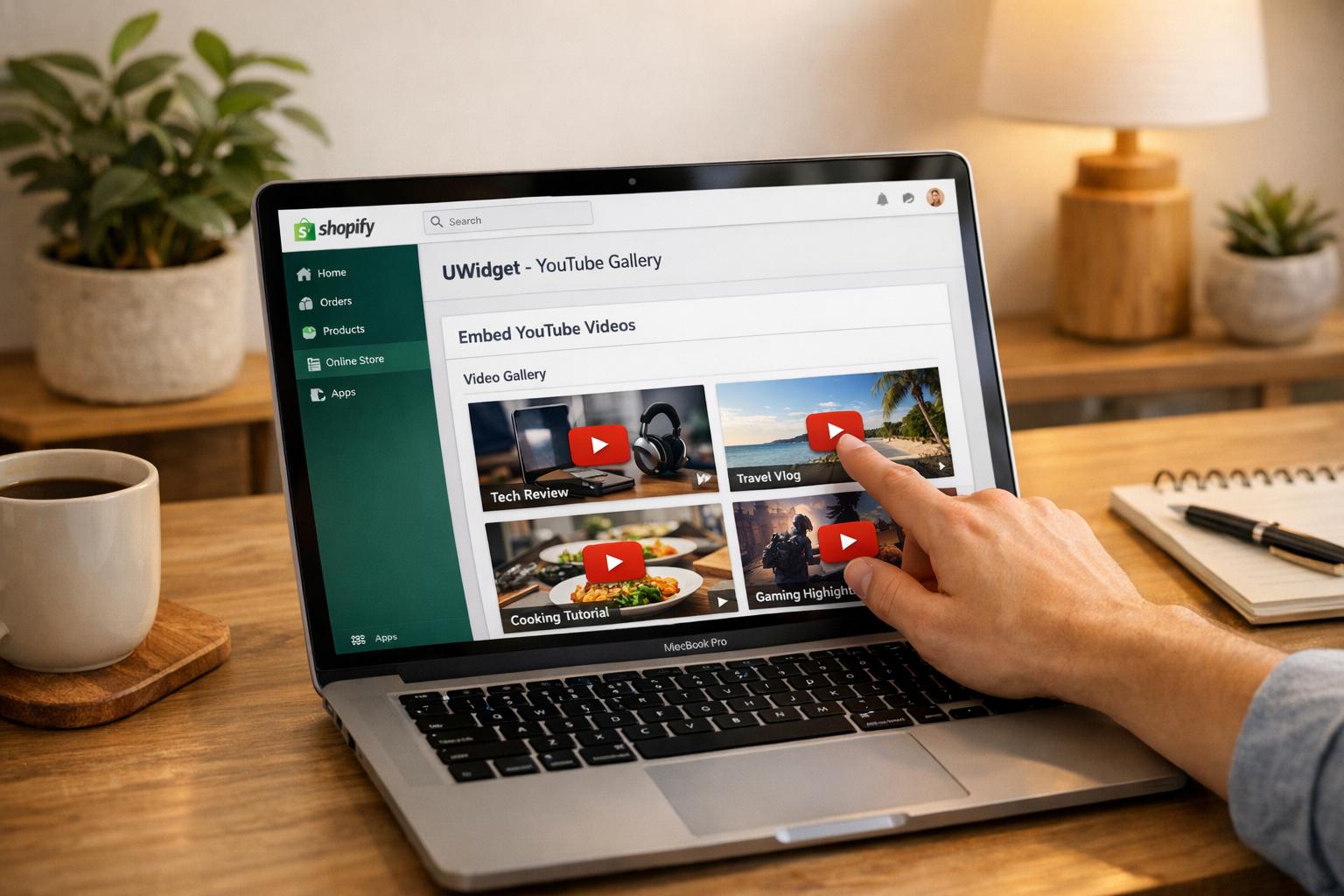
For Shopify merchants, video CTAs offer a direct way to boost engagement and streamline the shopping experience. By creating "shoppable" videos, customers can explore products visually and take action without unnecessary steps. Tools like UWidget make this seamless by embedding YouTube videos or Shorts directly into Shopify stores, allowing products to be tagged within the video player itself. This keeps customers engaged and shortens the journey from discovery to purchase.
One of the biggest hurdles in online shopping is purchase hesitancy. Videos showcasing products in real-world use or featuring genuine testimonials help bridge that gap. When customers can see a product in action or hear from satisfied buyers, their confidence to complete a purchase grows. And with 73% of consumers preferring video over text when learning about products, Shopify merchants who ignore video risk missing out on a vital way to connect with their audience.
Best Practices for Creating Effective Video CTAs
Use One Clear CTA Per Page
Too many CTAs can overwhelm your audience. When a landing page asks visitors to do multiple things - like signing up for a newsletter, downloading a guide, and scheduling a demo - it often results in them doing none of these. Studies highlight that focusing on a single, clear CTA per page helps eliminate confusion and significantly boosts results.
Make sure every element on the page aligns with that one goal. For instance, if your page’s primary objective is to collect email signups, your video CTA should drive viewers toward that specific action. Avoid distractions like promoting product tours or encouraging social media follows. The video and the page should work together seamlessly toward the same purpose.
Optimizing Video Placement and Timing
Having a clear CTA is just the start - where and when you place it in your video is equally important. Timing depends largely on how long your video runs. For shorter videos (under one minute), place the CTA within the first quarter. For videos between three and five minutes, the midpoint is ideal. Longer videos, ranging from five to 30 minutes, should include the CTA at the very end.
Interactive elements like lead generation forms can also make a big difference. For instance, forms placed in longer videos have shown conversion rates as high as 65%. However, mid-roll banners should only be added if your analytics suggest they’ll improve engagement.
The format of the video presentation matters too. In tests, videos shown in a lightbox modal popup achieved a 13% conversion rate, outperforming embedded iframes at 11% and pages without videos at just 6.5%. The lightbox format works because it dims the rest of the page, keeping viewers focused on the video.
Testing and Improving Performance
Once your CTA is in place, ongoing testing is essential to keep improving results. Track and analyze performance metrics to refine your strategy. Use A/B testing to experiment with single variables like the CTA text, button color, or timing to identify what drives the best outcomes. Testing too many changes at once makes it hard to pinpoint what’s actually working.
Instead of just counting views, pay attention to metrics like watch time, completion rates, and drop-off points. If most viewers leave your video before reaching the CTA, you’ll need to either move the CTA earlier or adjust the content leading up to it.
To measure success accurately, include UTM codes on all links in your video CTAs. This helps track which videos are driving traffic and conversions. Be patient with your tests - allow one to three months to gather enough data for reliable conclusions. Acting on insufficient data, like just a week’s worth, can lead to poor decisions.
By following these strategies, you can ensure your video CTAs consistently deliver better conversion rates.
| Video Length | CTA Timing |
|---|---|
| Under 1 minute | Within the first quarter |
| 1–3 minutes | Last quarter of the video |
| 3–5 minutes | Around the halfway mark |
| 5–30 minutes | At the very end |
| 30–60 minutes | Within the second half |
| Over 60 minutes | Anywhere after halfway point |
sbb-itb-d9e5b3a
How to Use CTAs in Vidalytics to Skyrocket Conversions

Tools and Apps for Adding Video CTAs to Shopify Stores
Adding the right tools to your Shopify store can make your video CTAs even more effective, driving engagement and helping guide customers all the way to checkout.
Using UWidget for YouTube Integration

UWidget: YouTube Widgets makes embedding shoppable YouTube videos and Shorts on your Shopify landing pages incredibly straightforward. Whether you want to use galleries, carousels, grids, sticky videos, or banner backgrounds, UWidget offers flexible display options to position your video CTAs exactly where they’ll have the most impact.
One standout feature of UWidget is its thumbnail-first, lazy-loading functionality. This helps keep page load speeds fast, which is crucial for maintaining conversions - even with top-notch video content. Best of all, no coding is required. Simply paste the YouTube URL, and you're good to go. With a stellar 5.0/5 star rating on the Shopify App Store, merchants rave about its seamless integration for both long-form videos and Shorts. Pricing starts at $5.99/month, and it comes with a 7-day free trial.
Increasing Engagement With ILikeThat

ILikeThat: Like Buttons adds an extra layer of interaction to your product videos by letting viewers "like" items they’re interested in. When a visitor watches a demo and clicks the "like" button, it creates a small but meaningful interaction that can nudge them closer to making a purchase.
"When visitors like your products, they are rewarded with a fun and memorable microinteraction that has a positive impact on their buying decision, and it builds social proof for your future visitors to see!" – Fractal Apps
At just $3.99/month with a 3-day free trial, ILikeThat is easy to install and comes with responsive developer support. This simple feature combines engagement with social proof, creating a powerful tool for boosting conversions.
Improving Checkout Experience With CheckIt

Once your video CTA has done its job and directed users to checkout, it’s essential to keep that momentum going. CheckIt: Checkout Progress Bar helps smooth the checkout process by showing customers exactly where they are and how many steps remain. This visual guide reduces friction and keeps customers focused on completing their purchase.
CheckIt is free to install and holds a perfect 5.0/5 star rating on the Shopify App Store. By streamlining the post-CTA experience, it ensures that the engagement created by your videos translates into completed sales.
Conclusion
Research shows that video CTAs can significantly boost conversions. Landing pages with video CTAs have seen conversion rates climb by as much as 86%, while video CTAs themselves convert at an average rate of 16%. This underscores the value of using video CTAs, as highlighted throughout this article. Videos also create a "Halo Effect", fostering trust and easing potential buyers' hesitation.
For Shopify merchants, adding video CTAs is a simple yet impactful strategy. Tools like UWidget allow you to embed shoppable YouTube videos and Shorts directly into your store. ILikeThat enhances engagement with interactive elements that build social proof, while CheckIt helps maintain the momentum all the way to checkout. These tools make it easy to integrate video CTAs and keep the conversion journey seamless.
FAQs
What makes video CTAs more effective than traditional CTAs?
Video call-to-actions (CTAs) take engagement to the next level by combining visuals, sound, and motion, making them far more compelling than simple text or button-based CTAs. Studies reveal that including a video on a landing page can increase conversion rates by an average of 34%. In some cases, businesses have reported even more striking results, with conversions jumping by 100% or even 257% when video CTAs replaced traditional methods.
What sets video CTAs apart is their ability to include clickable prompts directly within the video. This feature allows viewers to take action right when their interest is at its highest. For Shopify merchants, tools like UWidget by Fractal Apps simplify embedding video CTAs on product pages, enabling you to tap into the proven power of video for boosting engagement and driving more conversions.
How can I use video CTAs to boost landing page conversions?
Video CTAs can play a big role in boosting landing page conversions when done right. To make the most impact, place your video above the fold, ideally near your headline or main value proposition. This way, visitors notice it right away without needing to scroll. Keep it concise - somewhere between 30 to 90 seconds works best - to hold attention, and make sure the CTA pops up while viewers are still engaged.
You can embed a bold, high-contrast CTA directly within the video or position it just below the video frame. Use action-driven phrases like "Start Your Free Trial" or "Get the Discount" to motivate clicks. Experiment with different placements, such as mid-roll, end-screen, or below the video, and refine your approach based on conversion data. Don’t forget to design with mobile users in mind - ensure the video scales responsively, and the buttons are easy to tap for a seamless experience.
Can poorly implemented video CTAs hurt landing page conversions?
A video call-to-action (CTA) can hurt landing page conversions if it’s not executed well. For instance, a video that’s too lengthy, unclear, or awkwardly placed can irritate visitors or fail to grab their attention. On top of that, if the video lacks a clear and direct CTA, it’s unlikely to encourage users to take meaningful action.
To make your video CTA work, keep it short, visually appealing, and place it where it naturally leads users to take the next step.