Video widgets are powerful tools that help Shopify store owners create deeper connections with their customers. Here's why they matter:
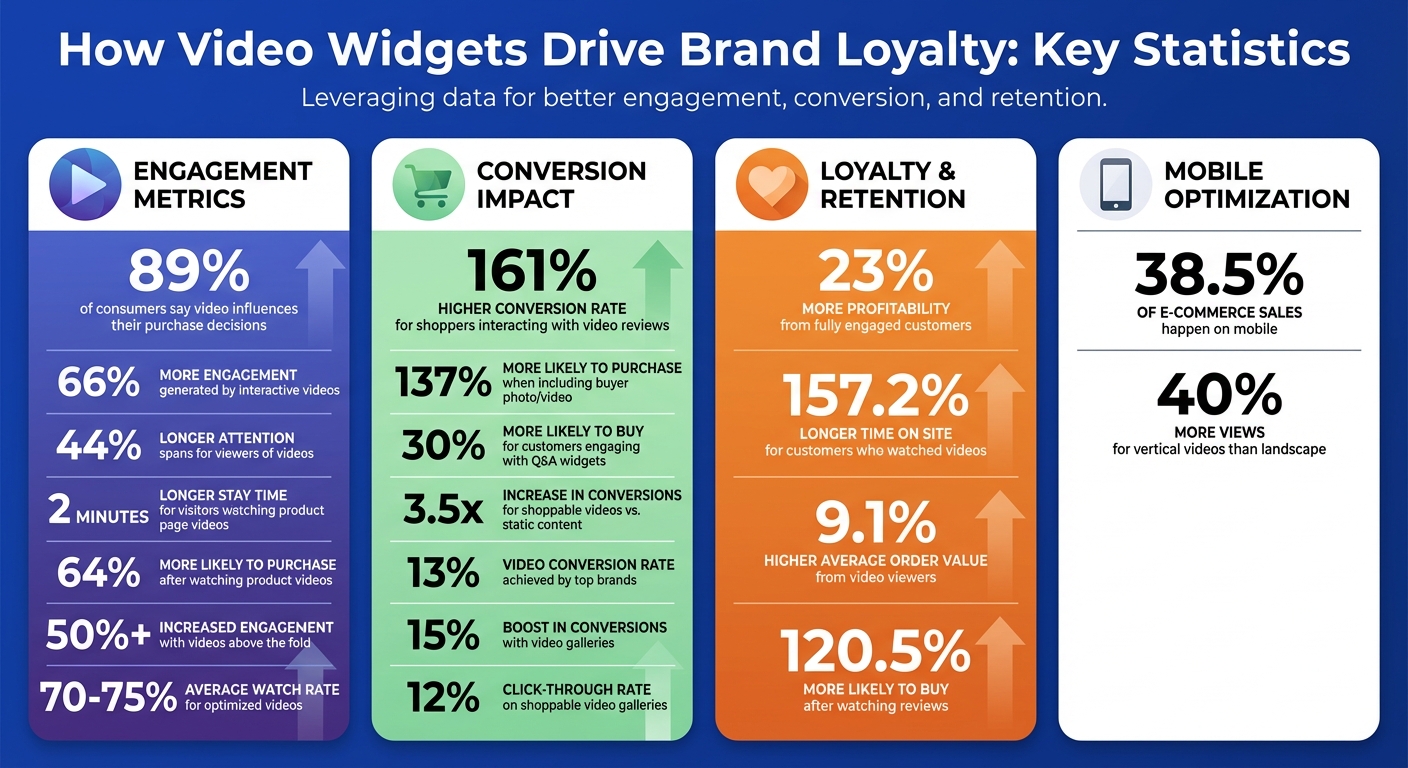
- Boost Conversions: 89% of people say videos influenced their purchase decisions, and interactive videos can increase engagement by 66%.
- Engage Customers Effectively: With features like shoppable hotspots, sticky players, and playlists, video widgets keep visitors interested longer and encourage repeat purchases.
- Humanize Your Brand: Testimonials and behind-the-scenes videos foster trust by showing real people and stories.
- Easy Integration: Tools like UWidget make adding video widgets simple, with plans starting at $5.99/month.
Video Widget Impact Statistics: Engagement, Conversion & Loyalty Metrics for Shopify Stores
What Are Video Widgets and How Do They Build Brand Loyalty?
Video Widget Basics
Video widgets are tools designed to integrate video content directly into your store’s layout, eliminating the typical challenges of standard embeds. These widgets fit seamlessly into your Shopify store’s design while ensuring fast page load times.
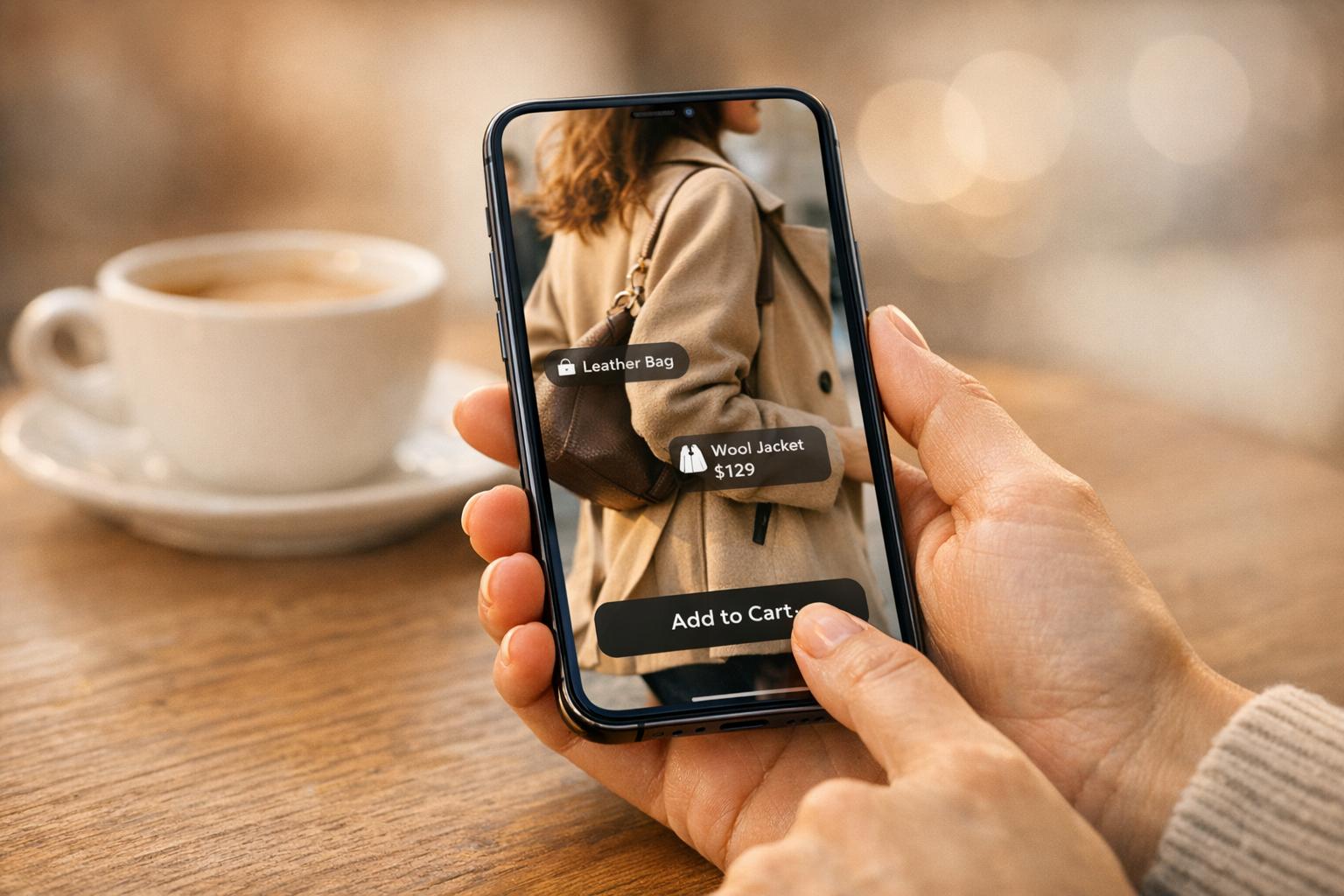
What sets video widgets apart are their interactive features. For example, you can add shoppable hotspots that let customers click on products featured in a video, include "add-to-cart" buttons for instant purchases, or create branching storylines where viewers choose their path. These widgets work in various formats, such as video galleries for testimonials, carousels for showcasing collections, sticky players that stay visible as users scroll, and playlists for product demos or how-to videos. These features don’t just make your site more engaging - they also help build trust and loyalty by delivering an interactive and personalized brand experience.
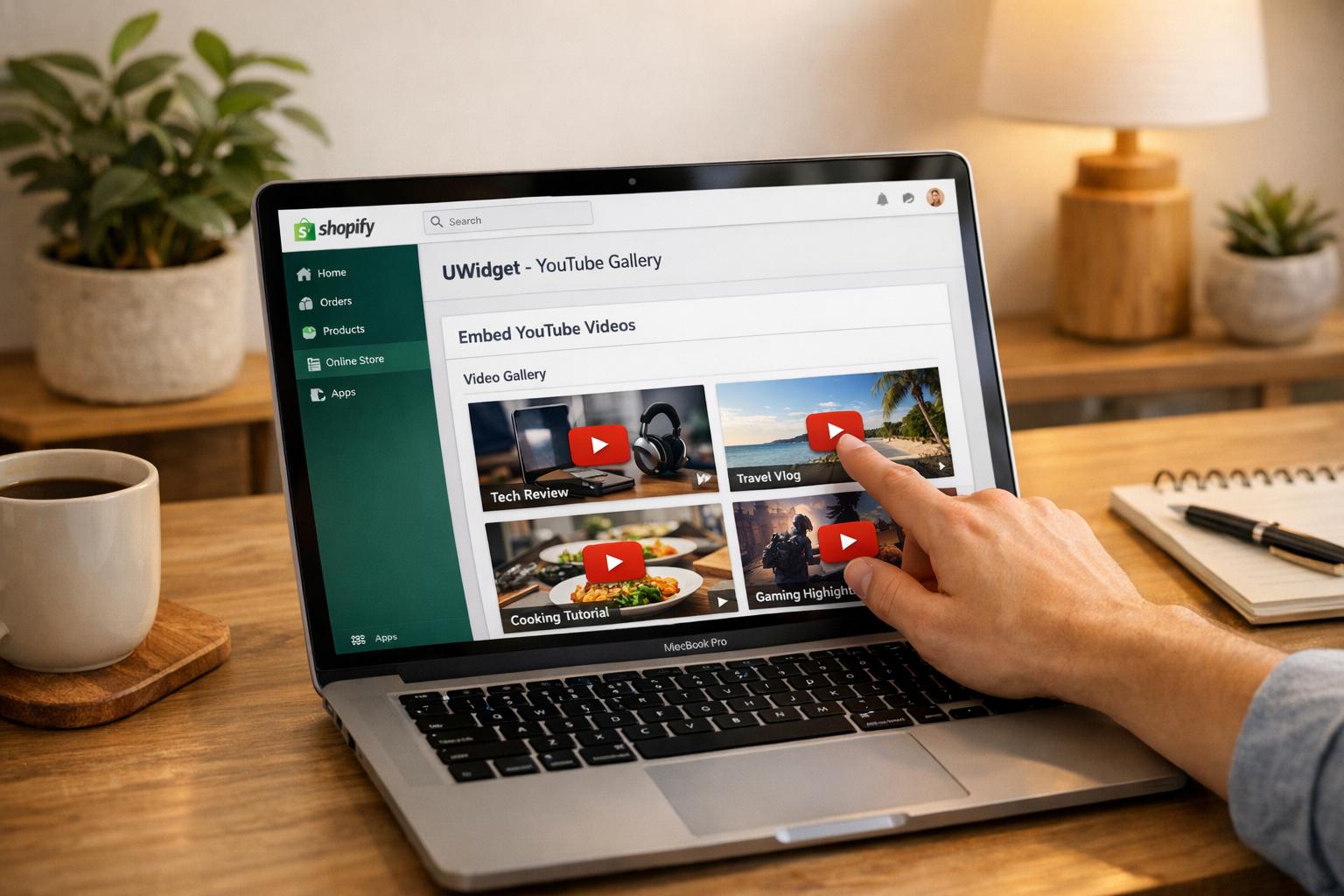
The numbers back this up: interactive videos generate 66% more engagement and hold viewers’ attention 44% longer. Tools like UWidget bring these capabilities to your store, offering features like galleries, carousels, sliders, sticky players, shorts, playlists, and subscribe cards - all optimized for mobile. But the real magic happens when these tools create lasting emotional connections.
How Video Widgets Create Emotional Connections
Video widgets do more than improve functionality - they help forge deeper emotional ties with your audience. The interactive features mentioned earlier play a vital role in humanizing your brand. When customers see real people - whether it’s your team explaining a product or other shoppers sharing their experiences - it builds trust.
"Video testimonials inject authenticity, emotion, and credibility into your brand's narrative." - Life Inside
Features like shoppable hotspots and on-site Q&A not only drive engagement but also significantly boost conversion rates. Authentic video testimonials are especially powerful, with shoppers who interact with video reviews converting at a rate 161% higher than those who don’t. Including a photo or video from another buyer makes a shopper 137% more likely to make a purchase.
When customers see their own feedback featured in your widgets, it transforms a simple transaction into a meaningful interaction. They’re no longer just buying from you - they feel like they’re part of a community. This sense of belonging keeps them coming back, especially when videos set accurate expectations that align with the actual product experience. By eliminating the "disappointment gap", you encourage repeat purchases and long-term loyalty.
Step 1: Installing UWidget on Your Shopify Store
What You Need Before Installing
Before you get started, make sure you have these essentials ready:
- An active Shopify store.
- Access to your Shopify Admin account.
- The YouTube content you want to feature, whether it’s a video URL, Shorts link, or a playlist.
When installing UWidget, you’ll need to grant permissions for the app to access some store owner details (like your name, email, phone number, and address), your products or collections, and the ability to edit your Online Store theme and metaobjects. This is necessary to seamlessly integrate the widgets into your storefront design.
To help you decide if UWidget is right for your store, every plan includes a 7-day free trial. Pricing starts at $5.99/month for the Starter plan (1 widget and up to 25 videos), $13.99/month for Pro (3 widgets and 50 videos), and $19.99/month for Premium (unlimited widgets and videos).
Installation Steps
-
Find UWidget in the Shopify App Store
Search for "UWidget: Youtube Widgets" in the Shopify App Store. Once you find it, click the "Add app" button on the listing page. You’ll then need to enter your Shopify store URL to link the app. -
Review Permissions and Install the App
Carefully check the permissions prompt that outlines the data the app requires. Once you’re ready, click "Install app" in your Shopify Admin. -
Enable UWidget in Your Theme
Go to your Shopify Admin, navigate to Online Store > Themes > Customize, then open the "App Embeds" tab. Toggle UWidget to "On" to make your widgets visible on your storefront. -
Set Up Your Widgets
Open the UWidget dashboard, paste your YouTube video URLs, customize the widget layout to match your store’s style, and publish it.
UWidget has earned a 5.0/5 star rating on the Shopify App Store, with users loving how easy it is to integrate and how effectively it showcases both YouTube Shorts and standard videos.
Once UWidget is installed, you’re ready to start customizing your video widgets to perfectly match your brand.
Step 2: Selecting and Customizing Your Video Widgets
Best Widget Types for Building Brand Loyalty
Video widgets are versatile tools that can serve various purposes. For example, Playlists and Shorts encourage viewers to watch multiple videos in one sitting, creating a habit of returning for more content. This repeated interaction helps foster brand familiarity and loyalty. Meanwhile, Shoppable carousels allow users to explore multiple products without leaving the video, thanks to interactive "Quick Shop" features that make browsing seamless. Sticky videos keep your content visible even as users scroll, ensuring continued engagement throughout their visit.
Video testimonials bring an authentic, personal element to your site by showcasing real customers and their experiences. These types of videos can connect with audiences in ways that polished, corporate-style marketing often can’t. Additionally, Community Q&A widgets invite previous customers to answer questions, creating a sense of trust and transparency. Interestingly, customers who engage with on-site Q&A widgets are 30% more likely to make a purchase.
Once you’ve chosen the right widget types, the next step is customizing them to align with your brand’s identity.
How to Customize Widgets for Your Brand
After selecting your preferred widget types, use UWidget to adapt their design and functionality to reflect your brand. Adjust fonts, colors, and layouts to ensure a cohesive look that strengthens customer trust and reinforces your brand image.
Take customization further by adding clickable hotspots. These transform passive viewers into active participants, allowing them to jump directly to product pages from the video. Additionally, tailor your calls-to-action so they align with your brand’s tone and messaging.
For a smooth user experience, ensure all interactive elements are easy to tap, especially on mobile devices. Using vertical or square video formats can also help maintain engagement, even for users on slower internet connections.
Widget Types and Their Benefits for Loyalty
| Widget Type | Loyalty Benefit | Best Use Case |
|---|---|---|
| Galleries/Carousels | Encourages extended viewing and product discovery | Product showcases and lookbooks |
| Sticky Videos | Keeps engagement high during scrolling | Homepage retention and announcements |
| Playlists/Shorts | Promotes habit-forming viewing and authenticity | Customer testimonials and "how-to" series |
Real-world results show the impact of using the right widgets strategically. For instance, Medelita saw a 15% boost in conversions by incorporating video and photo galleries. Similarly, Leatherman achieved a 12% click-through rate after adding a shoppable gallery of customer videos to their homepage. These examples highlight how thoughtful widget selection and placement can drive both engagement and sales.
sbb-itb-d9e5b3a
Step 3: Placing Widgets Throughout Your Store
Where to Place Your Widgets
When it comes to video widgets, product pages are the most important spot. Position widgets near product images or within the media gallery to showcase demos, 360° views, and tutorials. Why? Because visitors who watch videos on product pages stick around for an extra two minutes and are 64% more likely to make a purchase. For maximum impact, place video carousels in the second position of your gallery. This strikes a balance between quick page loading and high visibility.
Your homepage is another prime location, especially for brand storytelling. Use hero banners or customer success stories to make an impression. Videos placed above the fold can increase engagement by over 50%.
"Baleaf Sports uses an autoplay video banner with visible user controls on their homepage to immediately grab visitor attention for brand storytelling." -
For collection pages, video widgets work well for category overviews, product comparisons, or even styling tips. These videos help guide shoppers through your offerings.
"Winterson implemented video reviews across their store and found that customers who watched them were 120.5% more likely to buy, spent 157.2% longer on the site, and spent 9.1% more per order." -
Finally, your About Us page is the perfect place for founder videos. These personal touches help humanize your brand and create emotional connections with your audience.
Once you've strategically placed your widgets, the next step is ensuring they perform just as well on mobile devices.
Making Widgets Work on Mobile Devices
Mobile accounts for 38.5% of all e-commerce sales, so getting your video widgets mobile-ready is crucial. Tools like UWidget automatically adjust to screen sizes, but you can further optimize by setting video dimensions to 640x320 pixels or using a 4:3 aspect ratio.
Vertical videos are a game-changer on mobile, drawing 40% more views than square or landscape formats. To keep pages loading fast, use lazy loading so videos only load when they're in view. Enable muted autoplay to meet mobile browser requirements, and make sure interactive elements like product tags and player controls are large enough for easy tapping on smaller screens. Don’t forget captions - many mobile users browse with the sound off.
Once your mobile experience is seamless, you can take things further by integrating video widgets with other tools to boost customer engagement.
Combining Widgets with Other Loyalty Tools
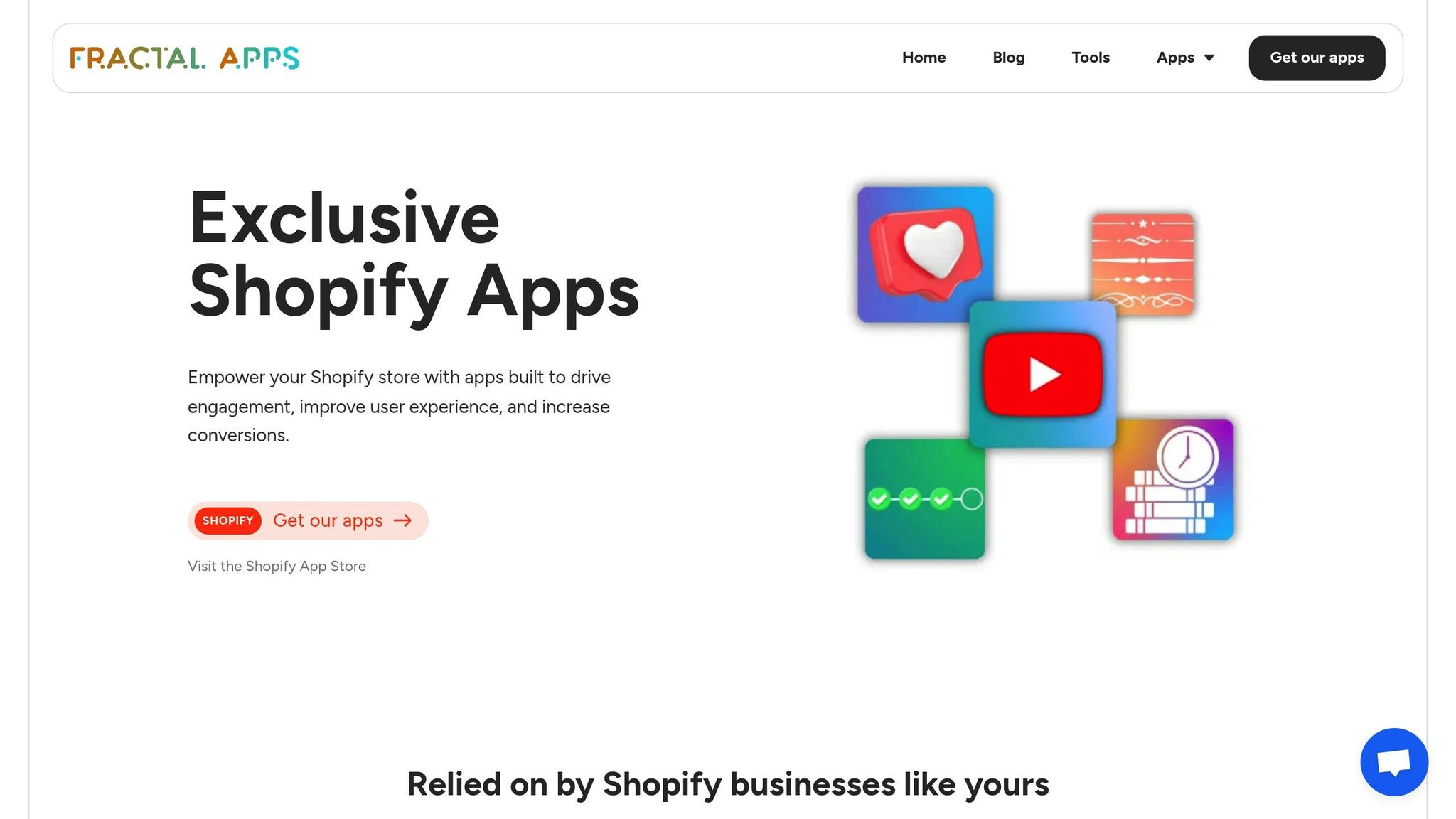
Video widgets become even more effective when paired with other engagement tools. For example, combine UWidget with CheckIt to display checkout progress bars alongside product videos. This creates a smooth transition from discovery to purchase.
You can also use welcome banners or popups to share coupon codes alongside video content, adding excitement and encouraging immediate action. Tagging products directly within videos allows customers to add items to their cart without leaving the player. For post-purchase engagement, place shoppable widgets on thank-you pages to promote upsells.
Want to go a step further? Integrate videos with chatbots or live chat features to provide personalized recommendations that complement the video content. The goal is to create a seamless and consistent experience across all touchpoints, with video taking center stage as the emotional connection that ties everything together.
Step 4: Measuring How Video Widgets Affect Brand Loyalty
To truly understand how video widgets contribute to brand loyalty, you need to measure their performance. This step is all about digging into the numbers and using those insights to refine your approach.
Metrics to Track
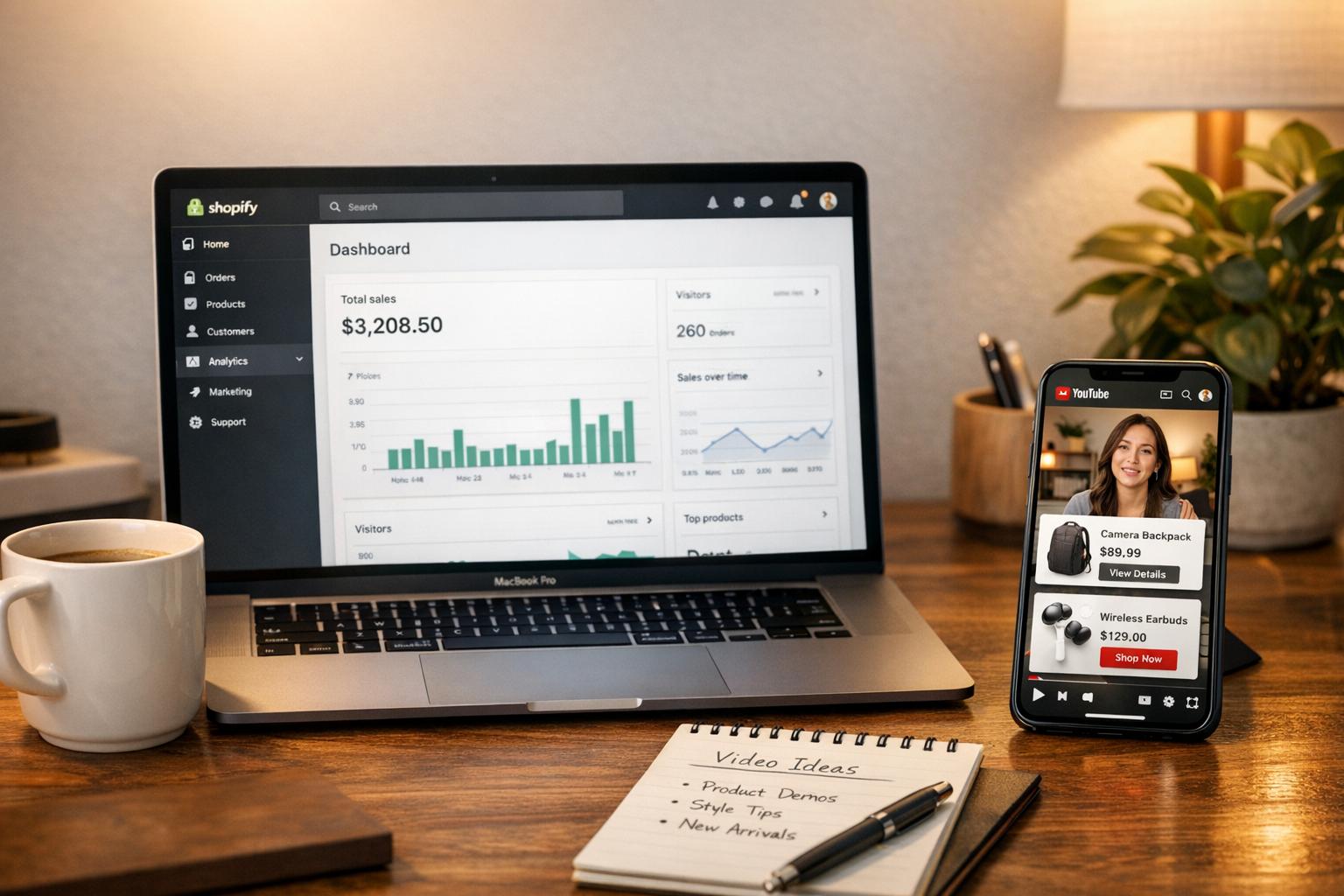
Start by focusing on engagement metrics. Look at Watch Time (the total time viewers spend watching your videos) and Average View Duration (AVD). If your AVD is above 50%, you're hitting a solid benchmark for e-commerce videos.
Next, dive into conversion metrics. Keep an eye on Direct Sales (purchases made during the video session) and Influenced Sales (purchases made after viewers watch at least 5 seconds of video). Why does this matter? Because 89% of consumers say that watching a video influences their decision to buy.
For loyalty and retention, track metrics like Subscriber Conversion Rate, Repeat Purchase Rate, and Customer Lifetime Value (LTV). Also, monitor Click-Through Rates (CTR) on product tags and social shares to gauge engagement levels. Another key metric is On-site Added Time - the extra time users spend on your site due to video interactions. Here's a real-world example: In 2024, skincare brand Dr. Dennis Gross reported that viewers watched 75% of their interactive videos on average, leading to 5,000 direct orders from these widgets.
Testing and Improving Your Widgets
Once you’ve established your metrics, it’s time to optimize. A/B testing is your best friend here. Experiment with different thumbnails, video lengths, and calls-to-action to see what resonates most with your audience. For example, videos that are 15–45 seconds long tend to strike the right balance between clarity and engagement. A great case study is menswear brand True Classic, which added custom videos to 700 product pages and achieved a 70% average watch rate and a 13% video conversion rate.
Retention graphs can reveal where viewers drop off. Use this data to introduce pattern interrupts - visual or audio changes designed to re-engage your audience. Placement also matters. Eczema Honey saw a 1% boost in conversions and higher order values just by optimizing where their widgets appeared. Shoppable videos, when fine-tuned, can increase conversions by up to 3.5 times compared to static content.
After optimizing your widgets, consider adding complementary tools to take things a step further.
Using Additional Apps to Boost Results
Pairing video widgets with other engagement tools can amplify results. For instance, combining UWidget with ILikeThat allows you to display product like buttons alongside your videos. This simple addition provides social proof, strengthening the emotional connection customers feel while watching and increasing the likelihood of repeat purchases.
Don’t forget to track how these integrations affect your metrics. If you notice higher repeat purchase rates among customers who interact with both the videos and like buttons, you’ve likely found a winning formula. The ultimate goal is to create multiple touchpoints that reinforce loyalty throughout the customer journey.
Conclusion
Video widgets have an incredible ability to build emotional connections, turning one-time buyers into loyal customers. By showcasing real people sharing their experiences, these widgets bring a human touch to your digital storefront that static images and text simply can't achieve.
"Video testimonials inject authenticity, emotion, and credibility into your brand's narrative. Seeing genuine people... creates an emotional connection that text and image alone struggle to achieve." - Charles Sinclair, Co-founder of Life Inside
The numbers back this up: 89% of consumers say video influences their purchasing decisions, and fully engaged customers contribute 23% more profitability. Adding and optimizing video widgets can create a trust-building engine that works 24/7, boosting both customer loyalty and revenue.
To get started, try placing video widgets on your homepage or product pages to establish instant credibility. Use analytics to experiment with video lengths and placements to see what resonates most with your audience. Even small tweaks can make a big difference.
The best part? You don’t need a huge budget or a professional production team to make this work. Customers today value authenticity over perfection - a simple, phone-recorded video of real users sharing their stories can often outperform polished studio productions. Ready to take the leap? Install UWidget and start turning casual shoppers into loyal advocates today.
FAQs
How can video widgets strengthen customer engagement on Shopify stores?
Video widgets are a fantastic way to boost customer engagement by making the shopping experience more interactive and engaging. They let you share real, relatable content - think customer testimonials, product demonstrations, or behind-the-scenes glimpses - that can help build trust and create a stronger emotional bond with your audience.
These widgets also simplify the user experience by delivering smooth, branded videos that keep visitors locked into your store. By cutting down on distractions and making your content more captivating, video widgets can encourage shoppers to stick around longer, come back more often, and even lead to higher conversion rates.
How do interactive features like shoppable hotspots in video widgets benefit my store?
Interactive elements such as shoppable hotspots can transform your videos into dynamic shopping experiences. These hotspots let viewers purchase products directly within the video, eliminating the need to navigate away. This streamlined approach not only makes shopping easier but also enhances the customer journey, potentially increasing conversion rates. By incorporating these features, you make the experience more immersive and convenient, motivating customers to engage further and strengthening their connection to your brand.
How do video testimonials help build trust and encourage customer loyalty?
Video testimonials are a fantastic tool for building trust and strengthening customer loyalty. They offer genuine social proof by highlighting real-life experiences from your customers, helping potential buyers feel more assured about choosing your brand.
What makes them even more impactful is their ability to create an emotional connection. Seeing and hearing a customer's story makes the feedback more personal and relatable. These heartfelt accounts stick with viewers, often inspiring repeat purchases and fostering lasting relationships with your brand.