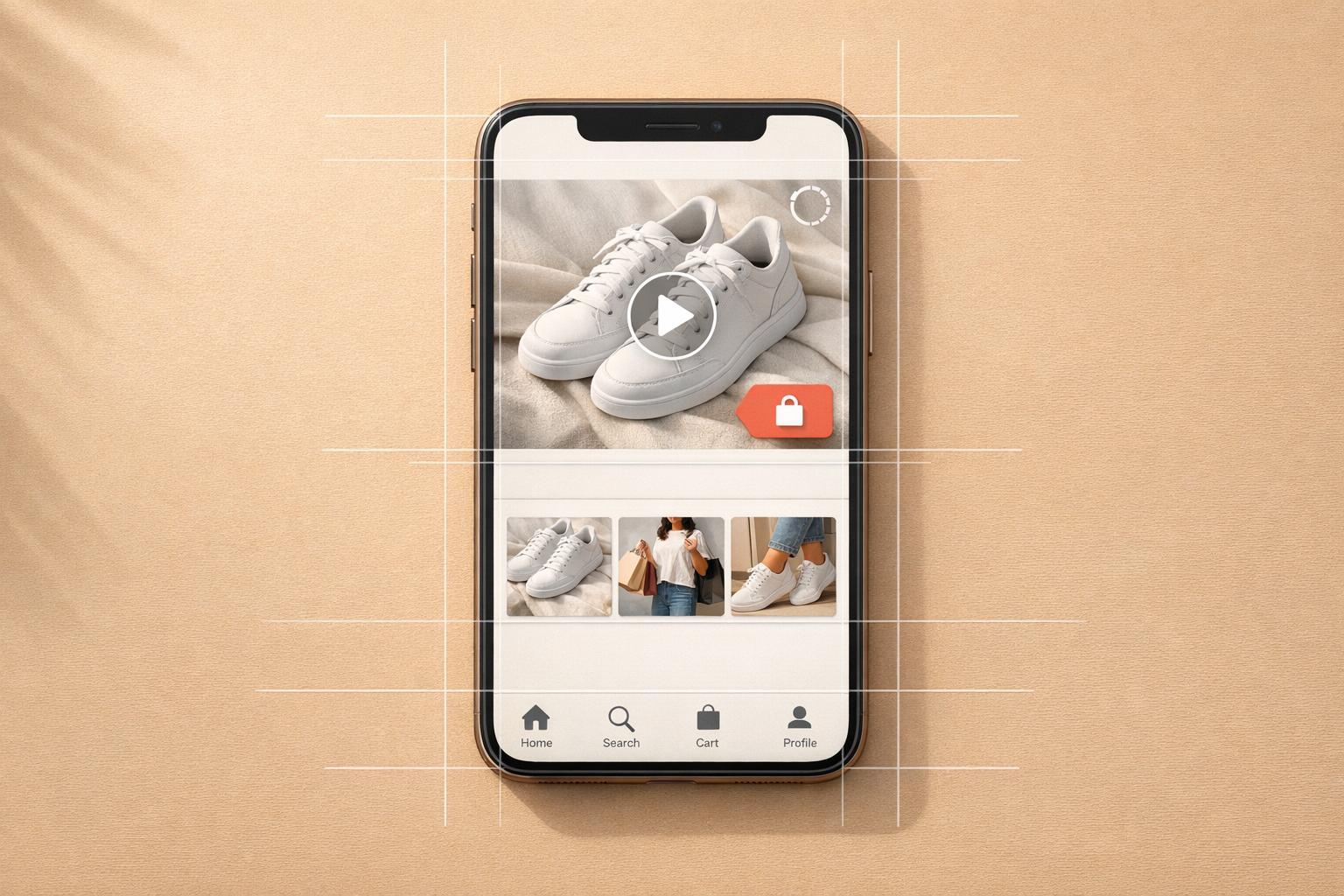
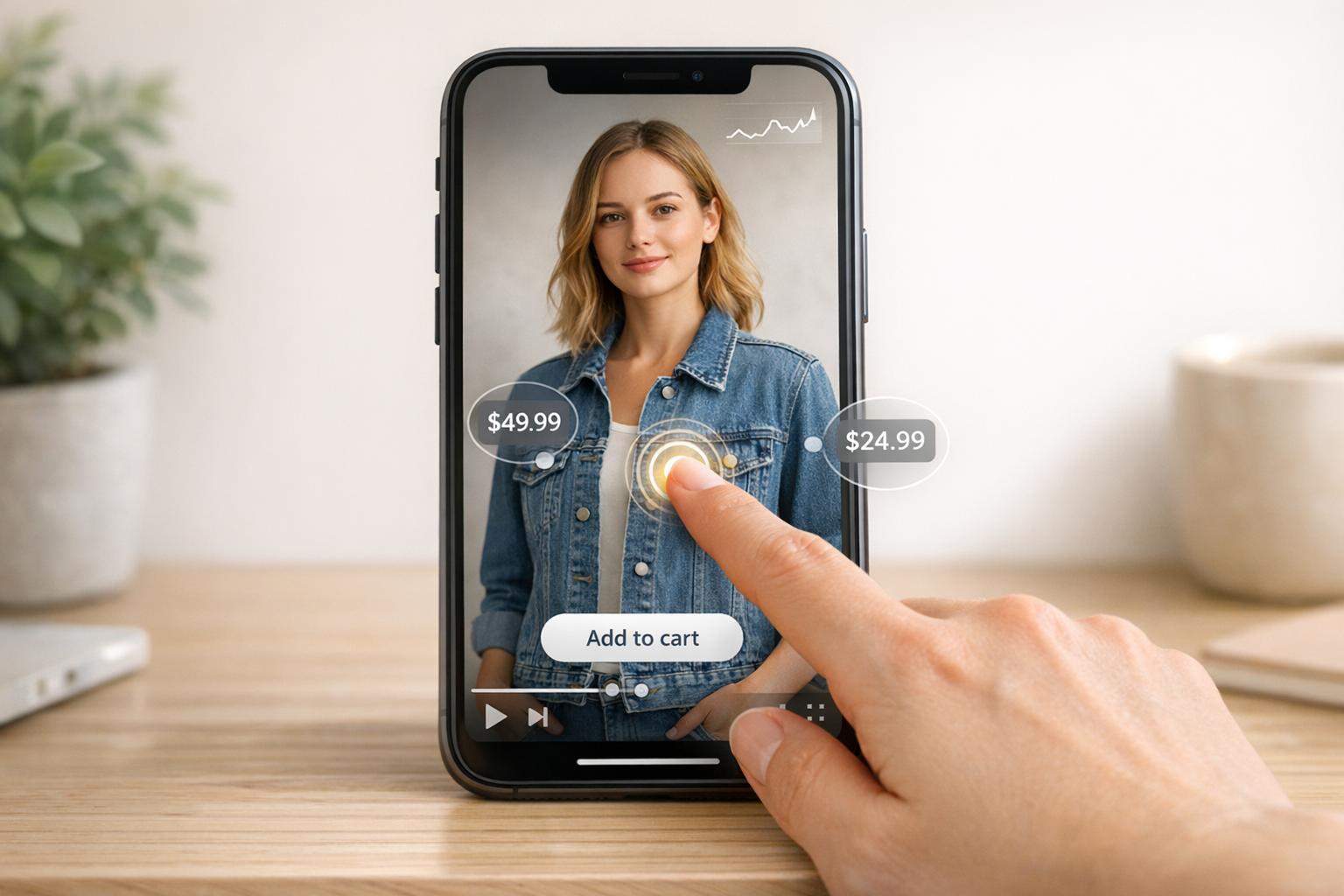
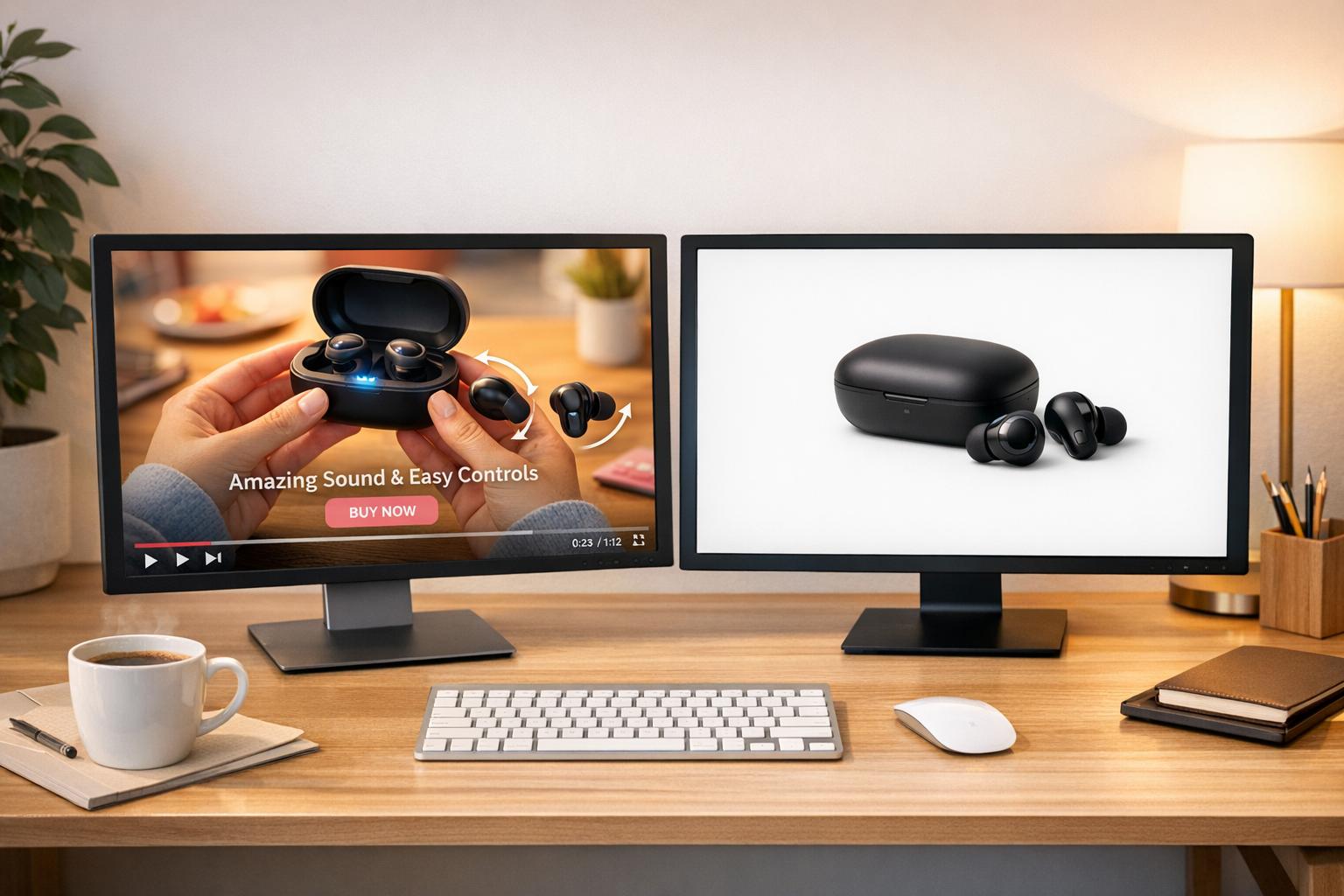
Shoppable video CTAs turn passive viewers into active buyers by integrating clickable features like "Shop Now" buttons, product tags, or overlays directly into videos. These tools simplify the shopping process, reducing friction and increasing conversions. Research shows that interactive videos achieve 66% engagement rates, outperforming traditional videos at 44%, and websites with video content see conversion rates jump to 4.8% compared to 2.9% without.
Key Takeaways:
- Actionable CTAs: Use clear, direct phrases like "Add to Cart" or "Shop Now."
- Timing Matters: Place CTAs during high-engagement moments (21–34 seconds).
- Mobile Optimization: Ensure CTAs are thumb-friendly, with clear fonts and vertical video formats.
- Interactive Features: Include clickable tags, overlays, and direct add-to-cart options.
- Urgency Tactics: Use countdowns or limited-time offers to encourage quick decisions.
- A/B Testing: Experiment with CTA placement, design, and text for optimal results.
For Shopify users, tools like UWidget make adding shoppable CTAs easy by integrating YouTube videos with product tagging. Plans start at $5.99/month with a 7-day free trial.
Shoppable CTAs are a powerful way to streamline the buying journey, boost engagement, and increase sales. Start by applying these tips to your videos and track the results.
Why you should add a CTA to EVERY video
sbb-itb-d9e5b3a
Best Practices Checklist for Shoppable Video CTAs
Creating shoppable video CTAs that effectively drive conversions requires attention to detail. Each element in this checklist is designed to guide viewers from interest to purchase with minimal friction. Let’s break down the strategies that can help turn video watchers into buyers.
Write Clear, Action-Oriented CTA Text
Your CTA text needs to be direct and action-focused. Phrases like "Shop Now" or "Add to Cart" work well because they leave no room for ambiguity. This is crucial since 90% of website visitors only read headlines and CTAs. Personalization can take this further - tailored CTAs have been shown to increase conversion rates by up to 42%. Consider aligning your message with the specific product or audience segment you're targeting to make it even more effective.
Position CTAs at High-Engagement Moments
Timing matters. Videos between 21–34 seconds tend to generate the most engagement, making this an ideal window to introduce your primary CTA. Placing CTAs right after showcasing a product’s key features or addressing a pain point can also increase clicks. Mid-roll CTAs often outperform end-roll ones, as viewer drop-off rates rise toward the end of a video. As Dor Cohen, a Distribution Specialist at Wix, advises:
"Make sure your calls-to-action are aligned with your messaging".
Tagging products early in the video can help capture interest right away.
Add Clickable Product Tags and Overlays
Interactive elements like clickable tags and overlays let viewers explore products without pausing the video. These should stand out visually - use bold text, contrasting colors, or animations to draw attention. At the same time, keep overlays simple to avoid clutter, especially on mobile. With 64% of shoppers more likely to buy after watching a product video, making the buying process seamless is key. Enable direct add-to-cart options to further simplify the path to purchase.
Enable Direct Add-to-Cart Functionality
Streamline the purchase process by allowing viewers to add items to their cart directly from the video. This eliminates extra steps like visiting a separate product page, which can deter buyers. It’s particularly effective for videos highlighting collections or multiple affordable items. Keep the process simple - viewers should be able to complete the action without leaving the video player.
Use Urgency and Limited-Time Offers
Urgency can be a powerful motivator. Features like countdown timers, limited-time discounts, or "low stock" alerts encourage viewers to act quickly. These tactics work well for flash sales, first-time buyer deals, or holiday promotions. Just make sure the urgency feels authentic - false scarcity can erode trust. Once urgency is established, ensure these CTAs are mobile-friendly for maximum impact.
Optimize CTAs for Mobile Devices
With 82% of online content now in short-form video format, designing for mobile is non-negotiable. Use vertical (9:16) or square (1:1) formats to match how people hold their phones. Vertical videos, in particular, hold 40% more viewer attention than other formats. Make CTA buttons large enough to tap easily and place them in the bottom right corner for thumb-friendly access. Use clear, legible fonts, and test your CTAs on actual mobile devices to ensure they look and function as intended.
Include Social Proof and Customer Testimonials
Trust plays a significant role in buying decisions, especially for first-time customers. Incorporate customer reviews, ratings, or testimonials into your videos to build credibility. With 87% of customers saying video content influences their purchase decisions, adding social proof can amplify this effect. Post-purchase follow-up videos or user-generated content can also encourage future buyers and provide material for future campaigns.
A/B Test CTA Placement, Design, and Copy
What resonates with one audience might not work for another. A/B testing can help you refine your approach. Test different CTA placements (e.g., early vs. mid-roll), button designs, and copy variations. Focus on one variable at a time to isolate what drives the best results. For example, clear and specific CTAs have been shown to boost conversion rates by as much as 161%. Use analytics to track performance and continuously optimize based on actual data.
Using UWidget for Video CTAs
If you're a Shopify store owner, UWidget can turn your YouTube content into a shopping powerhouse. This app allows you to integrating YouTube with your Shopify store to tag products directly on videos and Shorts, creating a smooth transition from watching to buying. Considering that 89% of consumers say videos have influenced their purchasing decisions, adding video CTAs to your store could directly boost your sales. UWidget integrates effortlessly with the strategies mentioned earlier to supercharge your video CTAs.
UWidget Features for Shoppable Videos
UWidget offers a variety of display options to fit different types of shopping experiences. These include video galleries, carousel sliders, video grids, sticky video players, and video banner backgrounds. The sticky video player is particularly useful, keeping your shoppable content front and center as customers browse your store.
The app also comes with built-in subscribe buttons and cards, helping you grow your YouTube channel while driving sales. It’s designed with performance in mind, using a thumbnail-first approach with lazy loading to ensure your page load speeds stay fast - an essential feature since slow-loading sites tend to lose potential buyers.
Customization is simple, too. You can tweak the widget’s appearance using the built-in settings or custom CSS to align it with your store's branding. Since its launch on December 1, 2025, UWidget has earned a 5.0/5 star rating on the Shopify App Store. One happy user from Wholesale Nursery Co shared their experience on December 18, 2025:
"I am pleased with this app. It allows shorts and videos to be displayed and easily integrated on my e-commerce store".
How to Add UWidget to Your Shopify Store

Getting started with UWidget is easy. Head over to the Shopify App Store, search for "UWidget: YouTube Widgets", and install the app by entering your store URL. Once installed, open the app in your Shopify Admin, then paste a YouTube video, Shorts, or playlist URL to get started.
Choose your preferred layout and customize the widget’s look through the settings panel or with custom CSS. When you’re ready, publish the widget to activate its shoppable features. UWidget offers a 7-day free trial, with pricing starting at $5.99/month for the Starter plan (1 widget, 25 videos), $13.99/month for Pro (3 widgets, 50 videos), and $19.99/month for Premium (unlimited widgets and videos). It’s a straightforward way to create engaging CTAs and drive more conversions directly from your videos.
Quick Reference Table
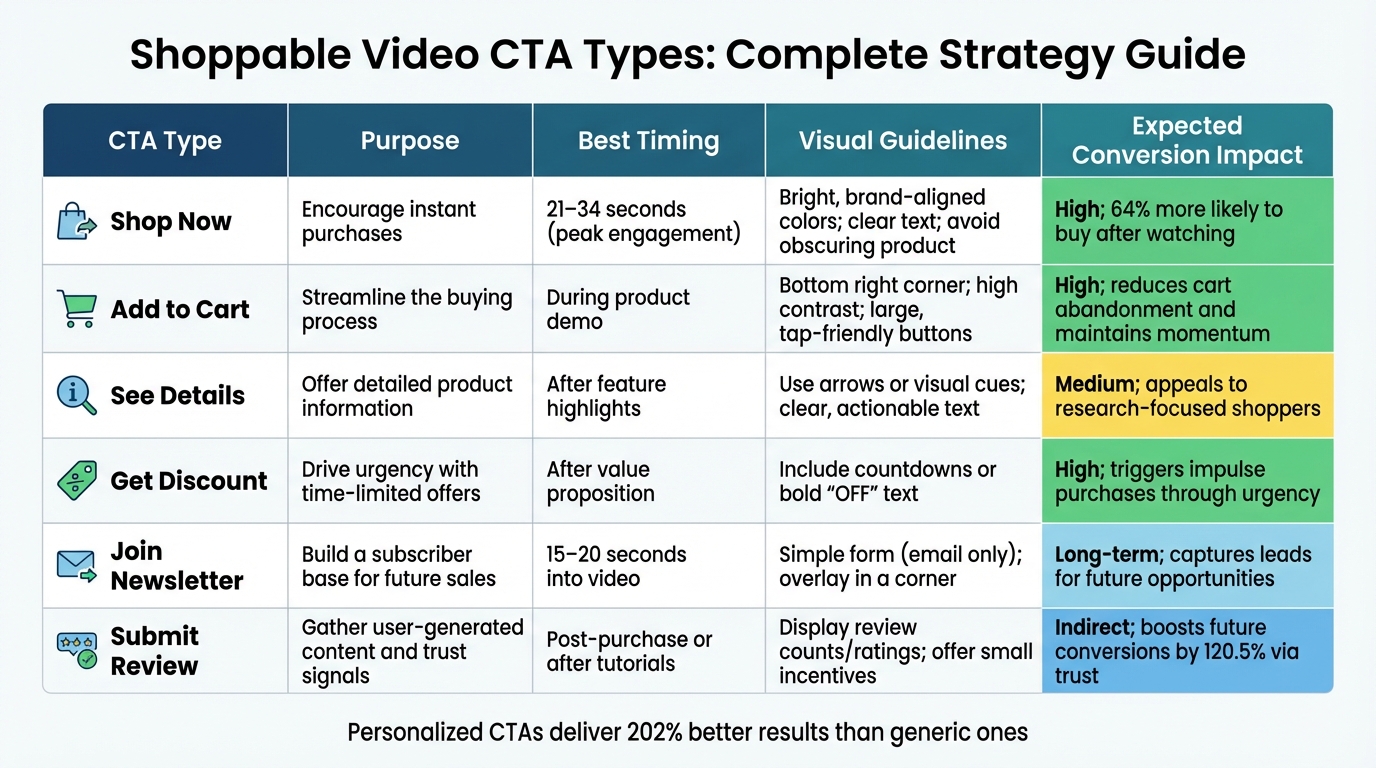
Shoppable Video CTA Types: Timing, Design & Conversion Impact Comparison
Selecting the right CTA (Call-to-Action) type depends on your product, audience intent, and where your buyer is in their journey. Some CTAs encourage immediate purchases, while others focus on building trust or nurturing leads. Matching the right button to the right moment can make all the difference.
Here’s a handy table summarizing key CTA strategies to help you align your buttons with your audience’s buying stage:
CTA Types Comparison
| CTA Type | Purpose | Best Timing | Visual Guidelines | Expected Conversion Impact |
|---|---|---|---|---|
| Shop Now | Encourage instant purchases | 21–34 seconds (peak engagement) | Bright, brand-aligned colors; clear text; avoid obscuring product | High; 64% more likely to buy after watching |
| Add to Cart | Streamline the buying process | During product demo | Bottom right corner; high contrast; large, tap-friendly buttons | High; reduces cart abandonment and maintains momentum |
| See Details | Offer detailed product information | After feature highlights | Use arrows or visual cues; clear, actionable text | Medium; appeals to research-focused shoppers |
| Get Discount | Drive urgency with time-limited offers | After value proposition | Include countdowns or bold "OFF" text | High; triggers impulse purchases through urgency |
| Join Newsletter | Build a subscriber base for future sales | 15–20 seconds into video | Simple form (email only); overlay in a corner | Long-term; captures leads for future opportunities |
| Submit Review | Gather user-generated content and trust signals | Post-purchase or after tutorials | Display review counts/ratings; offer small incentives | Indirect; boosts future conversions by 120.5% via trust |
Direct CTAs like Shop Now and Add to Cart are perfect for buyers ready to make decisions, while See Details works well for those seeking more information. Urgency-based CTAs, such as Get Discount, tap into fear of missing out (FOMO) to prompt quick actions. On the other hand, lead-generation CTAs like Join Newsletter focus on building relationships for future conversions.
Personalized CTAs can deliver 202% better results than generic ones. So, tailoring your approach to your audience’s specific needs is key. For more in-depth tips on CTA design, placement, and text, refer to the detailed checklist above. Aligning your CTA strategy with buyer behavior ensures the best chance of boosting conversions.
Conclusion
Shoppable video CTAs transform passive viewers into active buyers. By following the best practices in this checklist - like crafting clear, action-driven text and ensuring mobile optimization - you position your store to capture intent precisely when it occurs. Research shows that shoppable videos can boost ecommerce conversions by 34% and inspire 41% of viewers to make a purchase.
A key takeaway from this strategy is reducing friction throughout the shopping journey. Adding CTAs during peak engagement moments (between 21–34 seconds) and enabling direct add-to-cart options helps maintain momentum, eliminating unnecessary steps or decision fatigue. As Arthur Sylvestre, VP of Digital Commerce at Danone, explains:
"The funnel is changing because the consumer is changing... There is no reason why I could not try and convert when there is an awareness piece that is being displayed because, you know, it's such a big missed opportunity."
For Shopify users, tools like UWidget make implementing shoppable videos straightforward, even without coding skills. These tools allow you to integrate YouTube videos, tag products directly, and select layouts like carousels, grids, or sticky videos to keep customers engaged. With plans starting at $5.99/month and a 7-day free trial, testing this feature is both affordable and low-risk.
Start small - add one or two videos to your highest-traffic product pages, apply these best practices, and track metrics like click-through rates, engagement, and conversions. Brands achieving 9x higher purchase intent with shoppable videos aren’t relying on luck - they’re simply meeting customers where they are, offering content that entertains and simplifies the buying process. Use these insights to refine your video CTAs and drive measurable growth for your store.
FAQs
What are the best ways to optimize shoppable video CTAs for mobile users?
To make shoppable video CTAs work smoothly on mobile, focus on creating an experience that feels natural and keeps users engaged. Start with vertical videos (9:16) - this format fits perfectly with how people hold their phones. Keep the videos short, ideally between 15 and 60 seconds, to match mobile users' quick browsing habits and minimize drop-offs.
Grab attention early by including interactive elements or CTAs within the first 5 to 15 seconds. These CTAs should be clear, visually distinct, and easy to tap, ensuring users can interact without any hassle. On the technical side, make sure your videos load quickly. Compress files and use lazy loading techniques to avoid delays that could frustrate viewers and hurt your conversions.
By combining user-friendly design with efficient performance, you can boost engagement and drive more sales through shoppable video CTAs on mobile.
When is the best time to add CTAs in shoppable videos?
Placing CTAs (calls-to-action) at just the right moment in shoppable videos can make a big difference in driving both engagement and conversions. To capture attention quickly, consider introducing a CTA within the first 5–15 seconds of the video. This early placement works well for grabbing viewers who are most likely to interact right away.
For shorter videos, another sweet spot for adding a CTA is around 21–34 seconds, as engagement often peaks during this time. If your video is designed for mobile audiences, make sure the CTA is clear, easy to tap, and appears early enough to align with mobile viewing habits. The key is finding the right balance between catching viewers early and keeping them engaged with well-timed prompts that encourage action.
How do urgency tactics in CTAs impact sales and customer decisions?
Urgency tactics in calls-to-action (CTAs) can drive sales by encouraging customers to act quickly. These strategies tap into the fear of missing out (FOMO), pushing users to make decisions sooner rather than putting them off.
Studies reveal that adding urgency to CTAs can dramatically increase conversion rates - sometimes by several hundred percent. Simple phrases like "Limited Time Offer" or "Only 3 Left in Stock" create a feeling of scarcity and immediacy. This reduces hesitation and motivates action. When applied carefully, urgency tactics not only boost sales but also create a smoother, more compelling customer experience without coming across as overly aggressive.